
A concrete starting point
Every listing shows the design first, so your choice is based on an actual interface rather than a vague description.
Nuvanto turns visual inspiration into an actionable build brief. Explore real website previews, choose the direction that fits your project and unlock the detailed instructions needed to recreate it with a capable AI coding tool.
Every listing shows the design first, so your choice is based on an actual interface rather than a vague description.
Use the prompt with Claude, Claude Code, Cursor, Lovable, v0, Bolt, Windsurf or another coding model.
Prompts cover desktop and mobile layouts, interactions, art direction and the technical details needed for production.
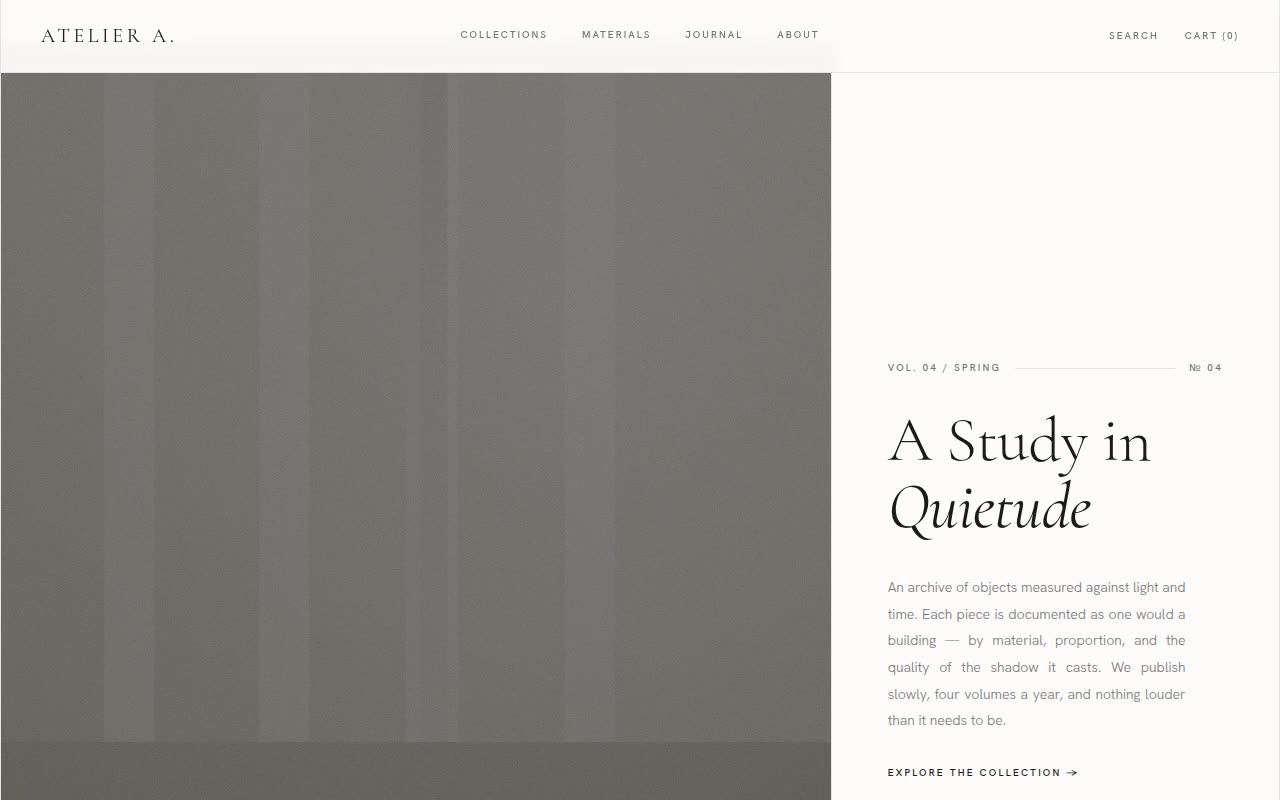
Website Templates · Claude AI
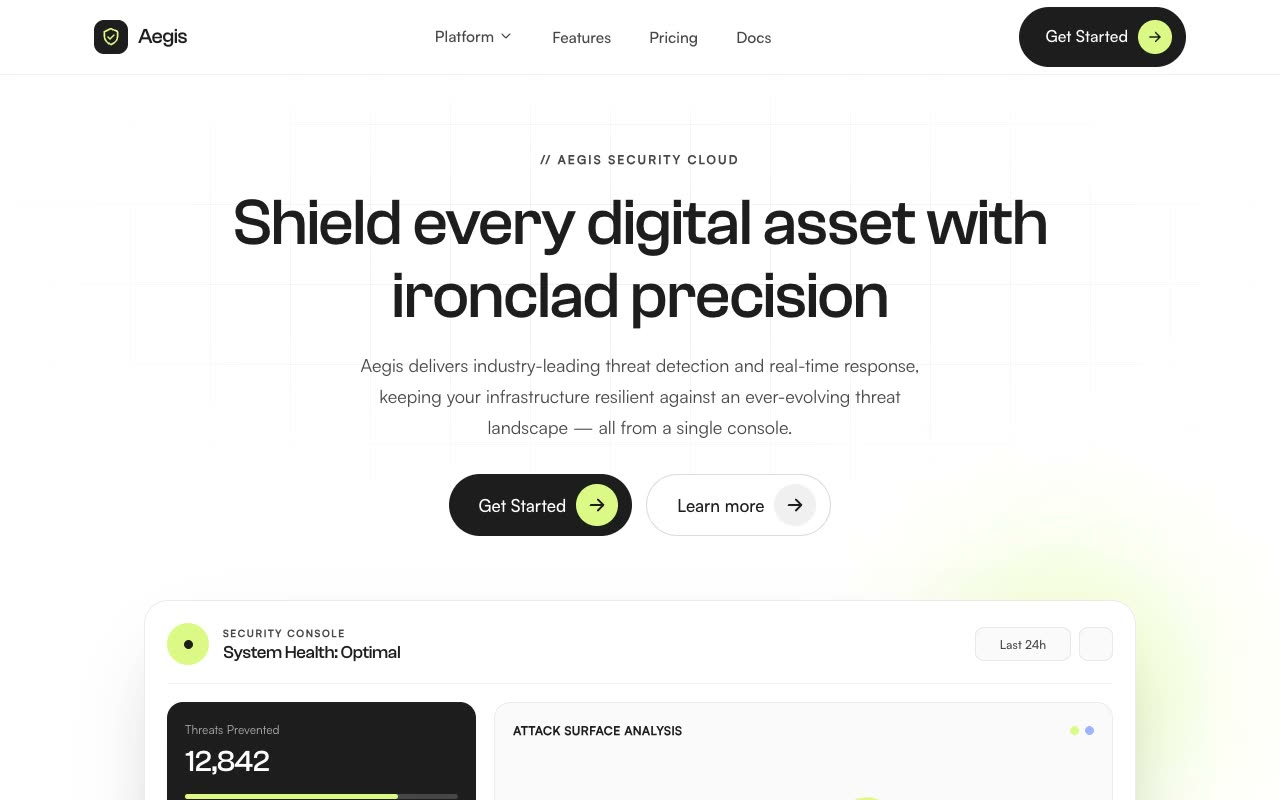
Landing Pages · Claude AI
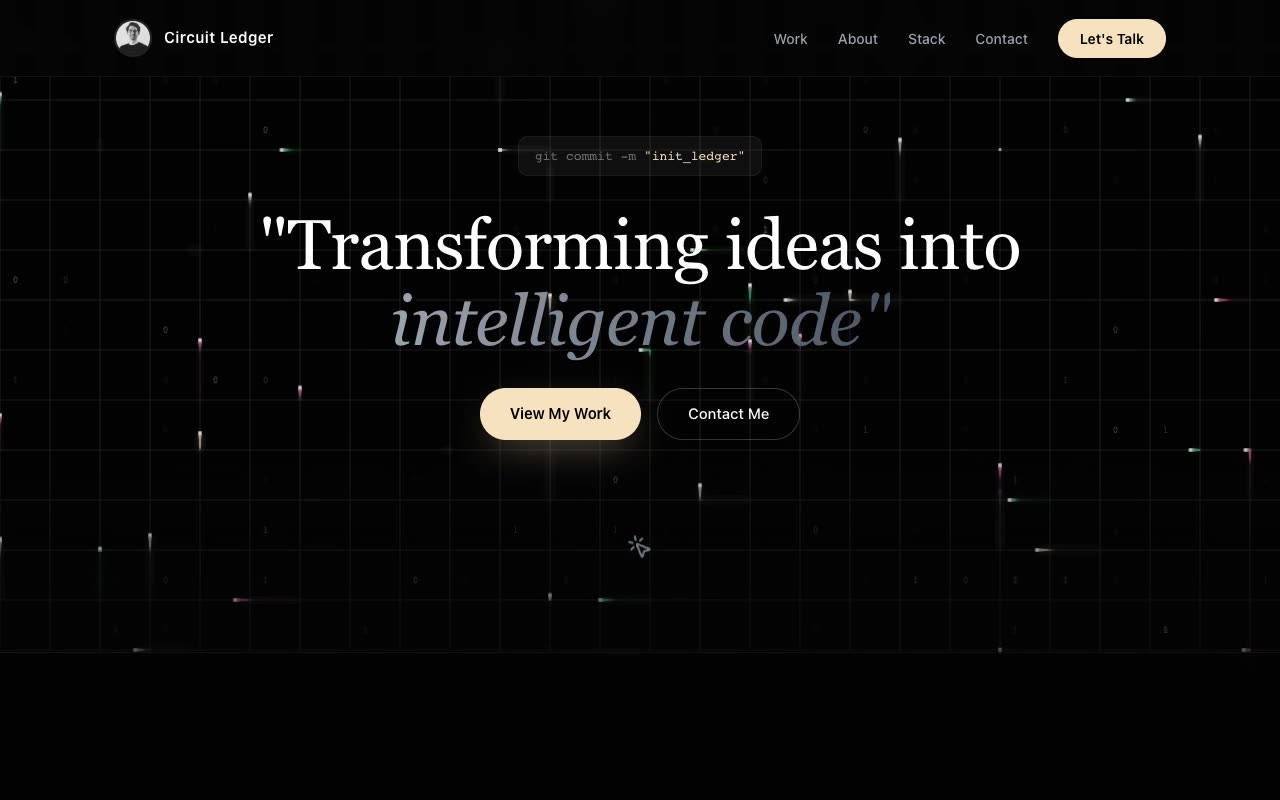
Portfolios · Claude AI
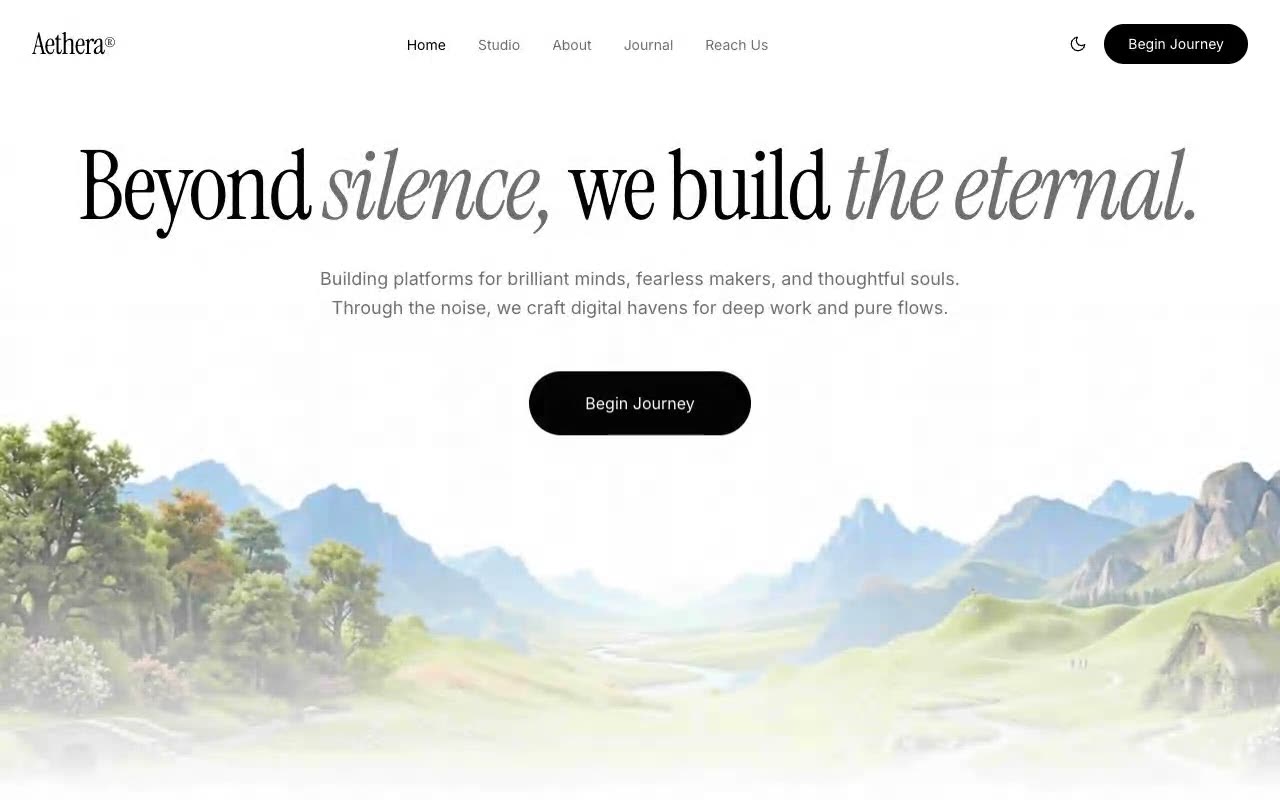
Hero Sections · Claude AI
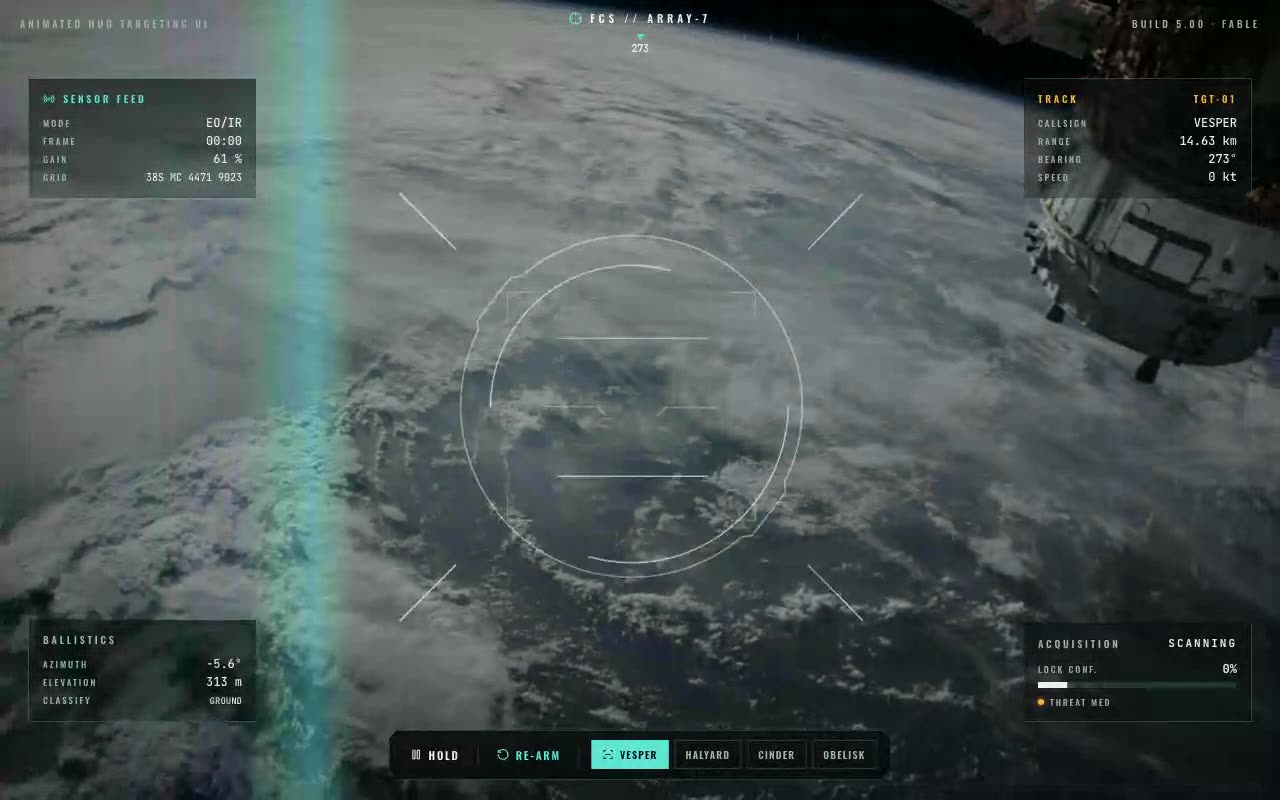
UI Components · Claude AI
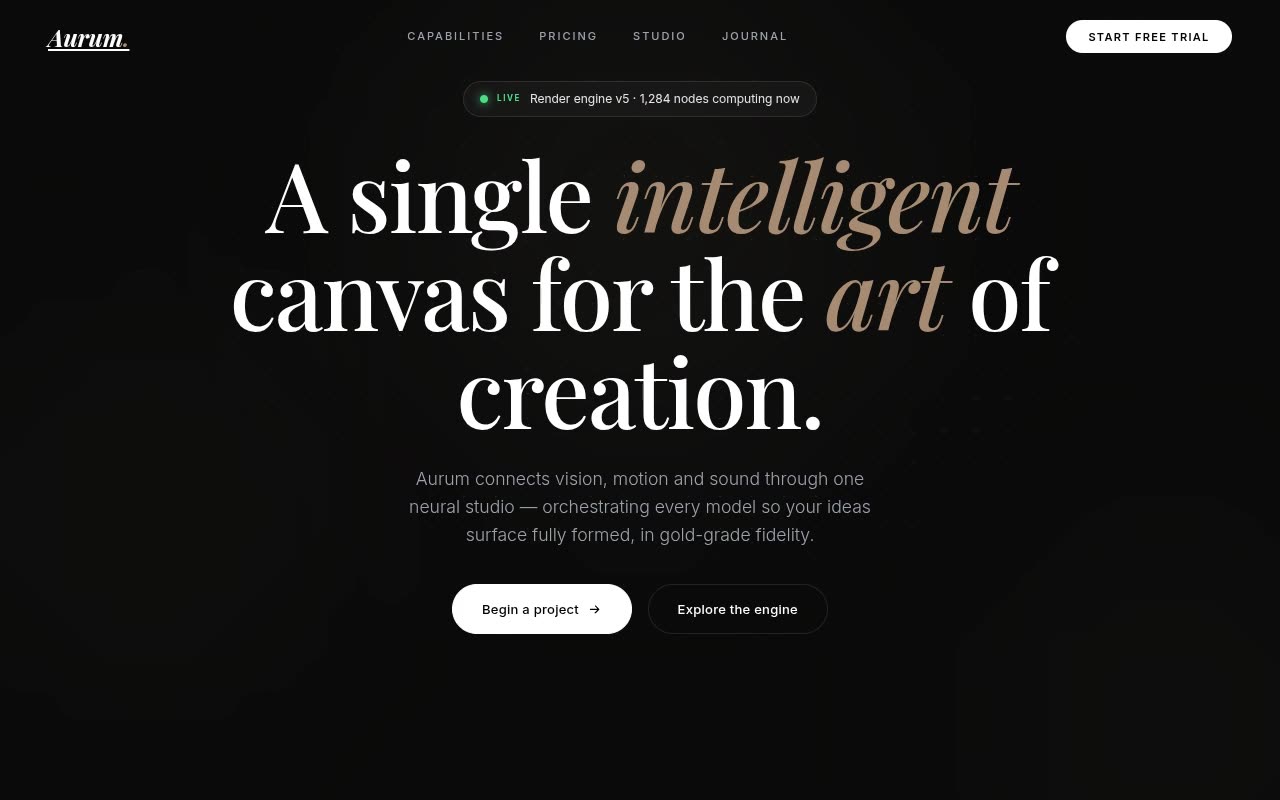
Website Templates · Claude AI
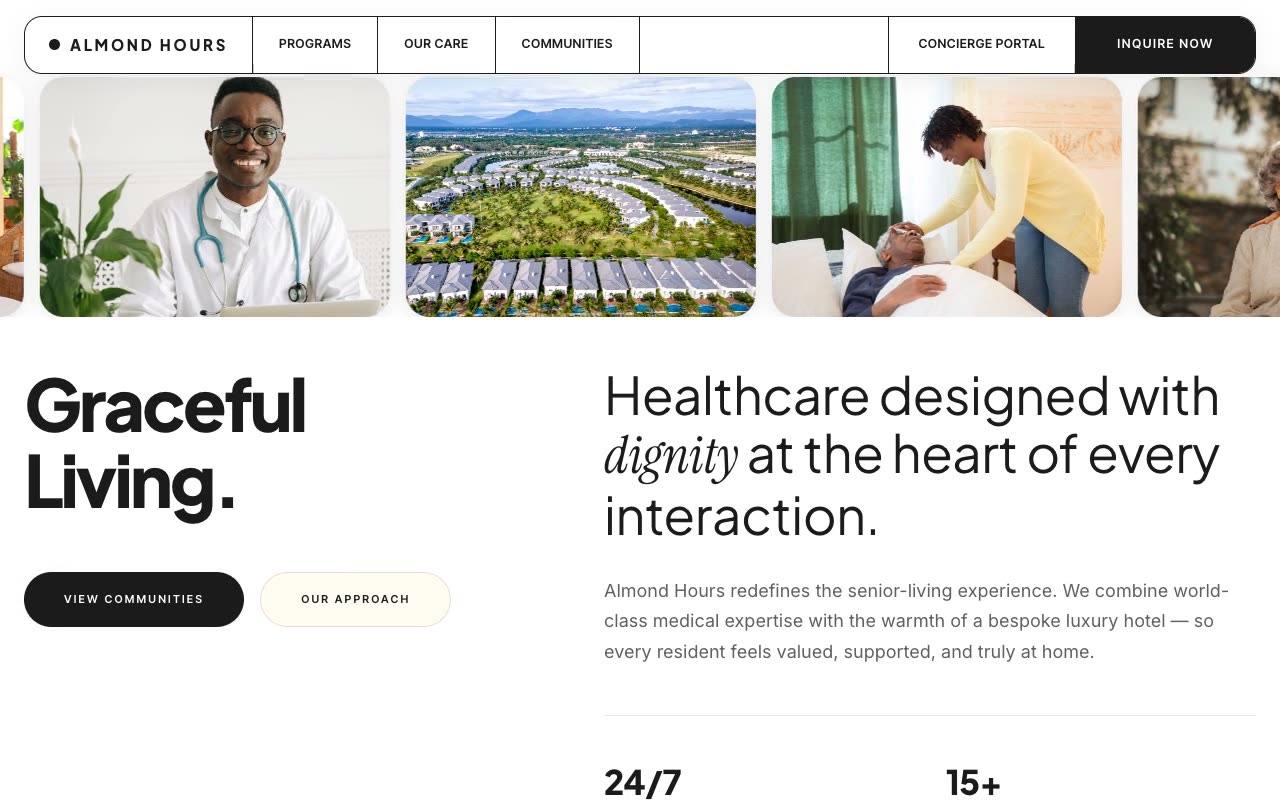
Landing Pages · Claude AI
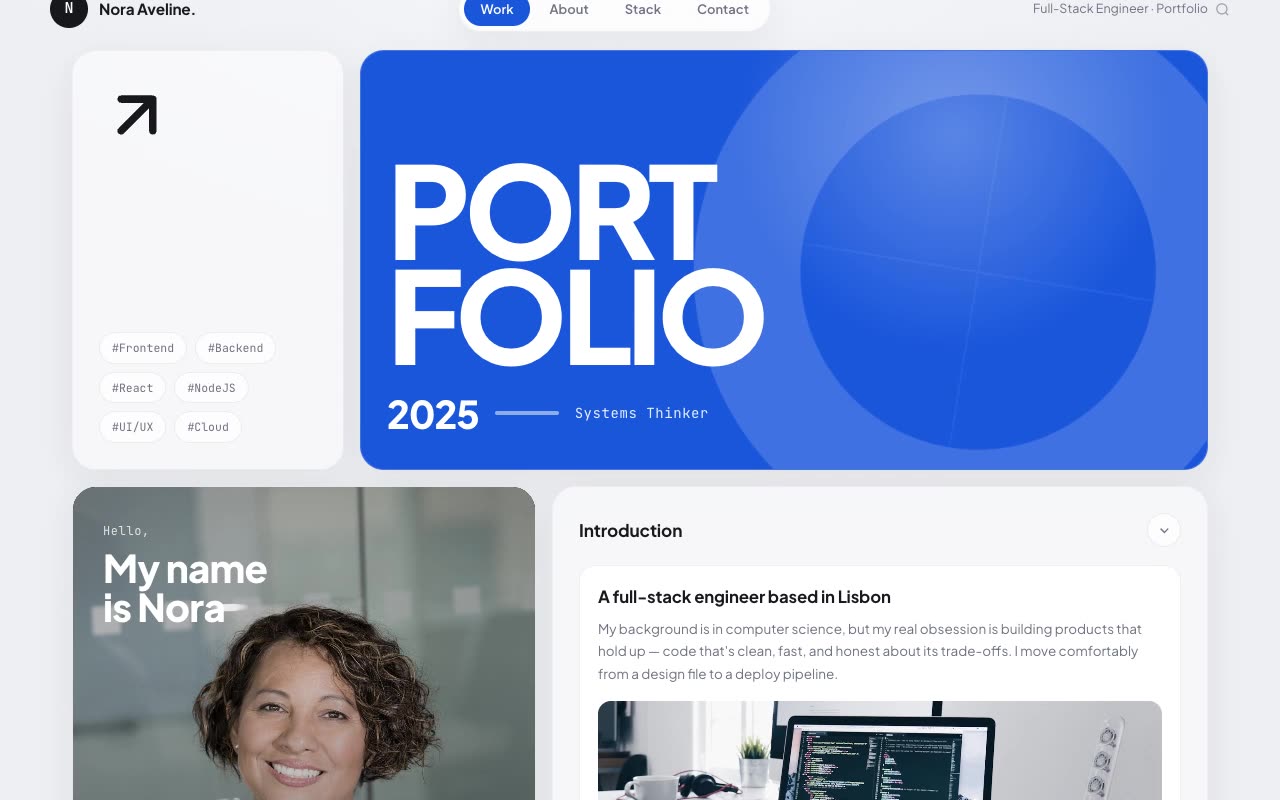
Portfolios · Claude AI
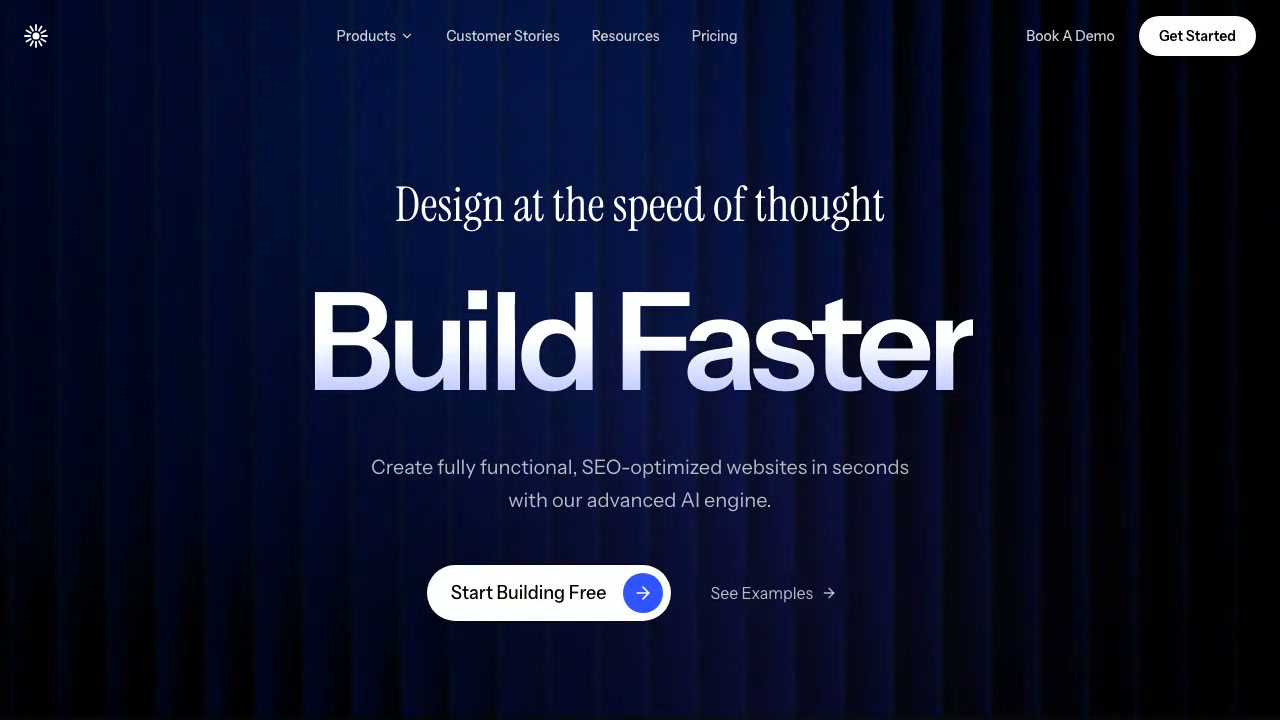
Hero Sections · Claude AI
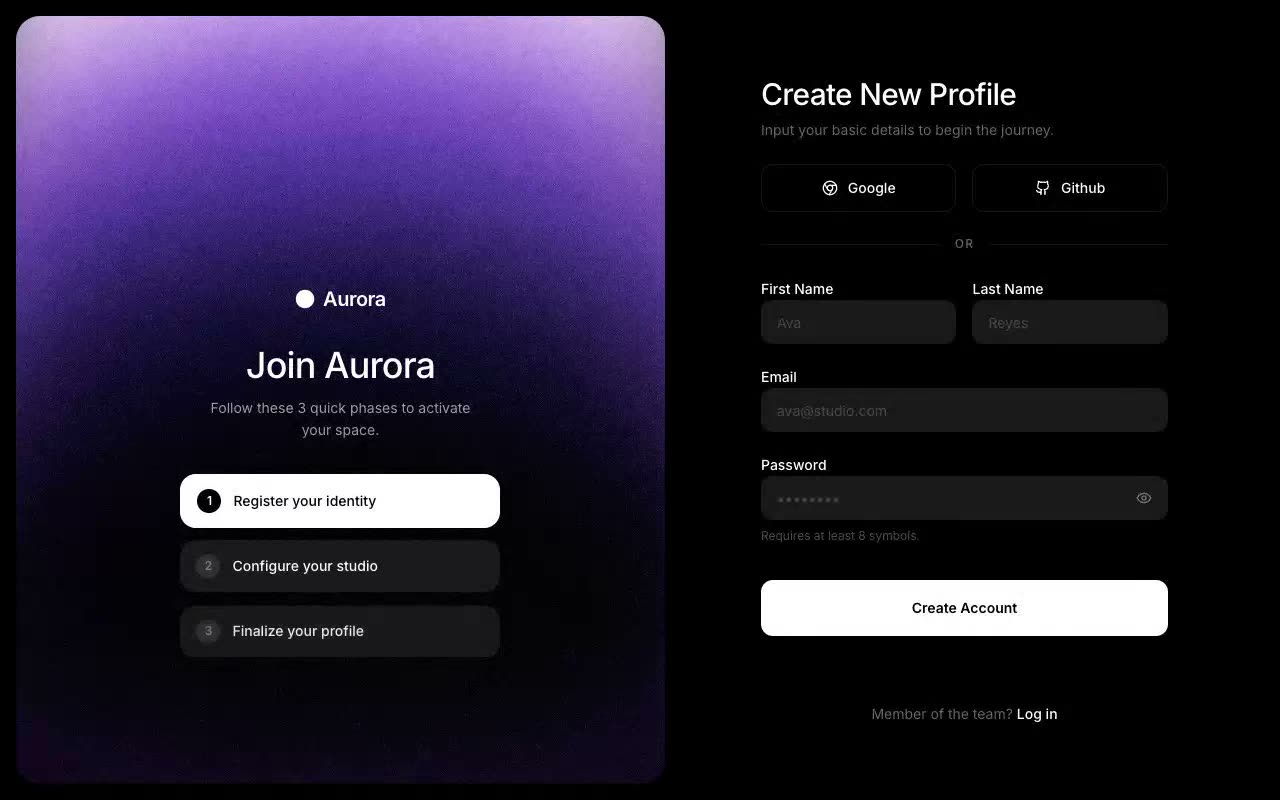
UI Components · Claude AI
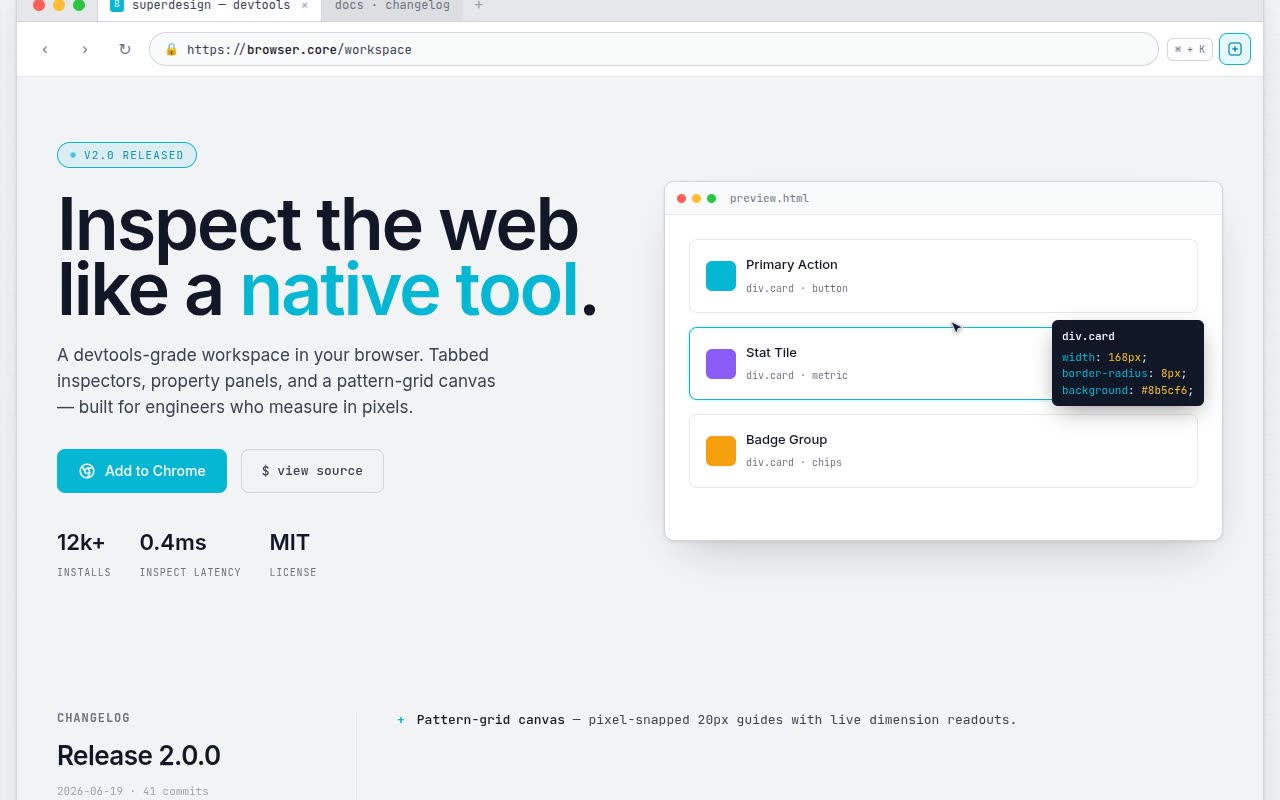
Website Templates · Claude AI
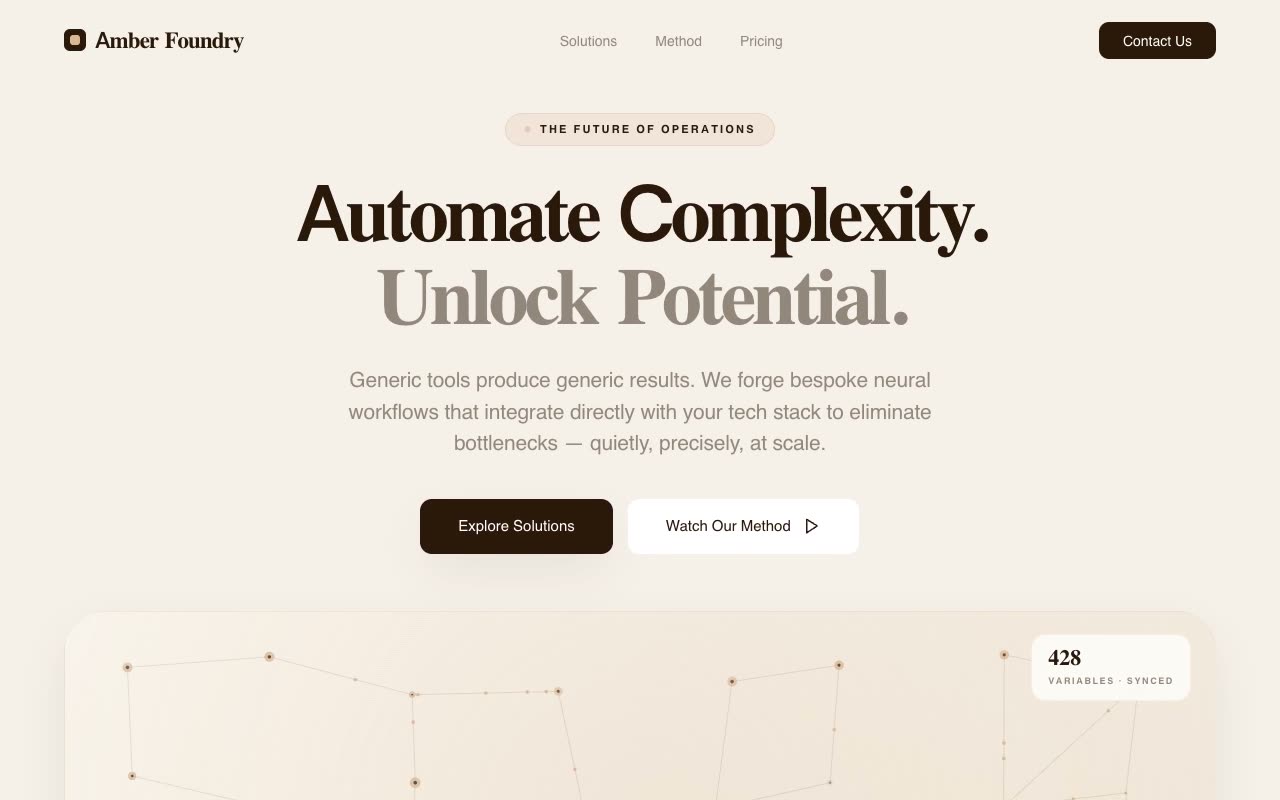
Landing Pages · Claude AI
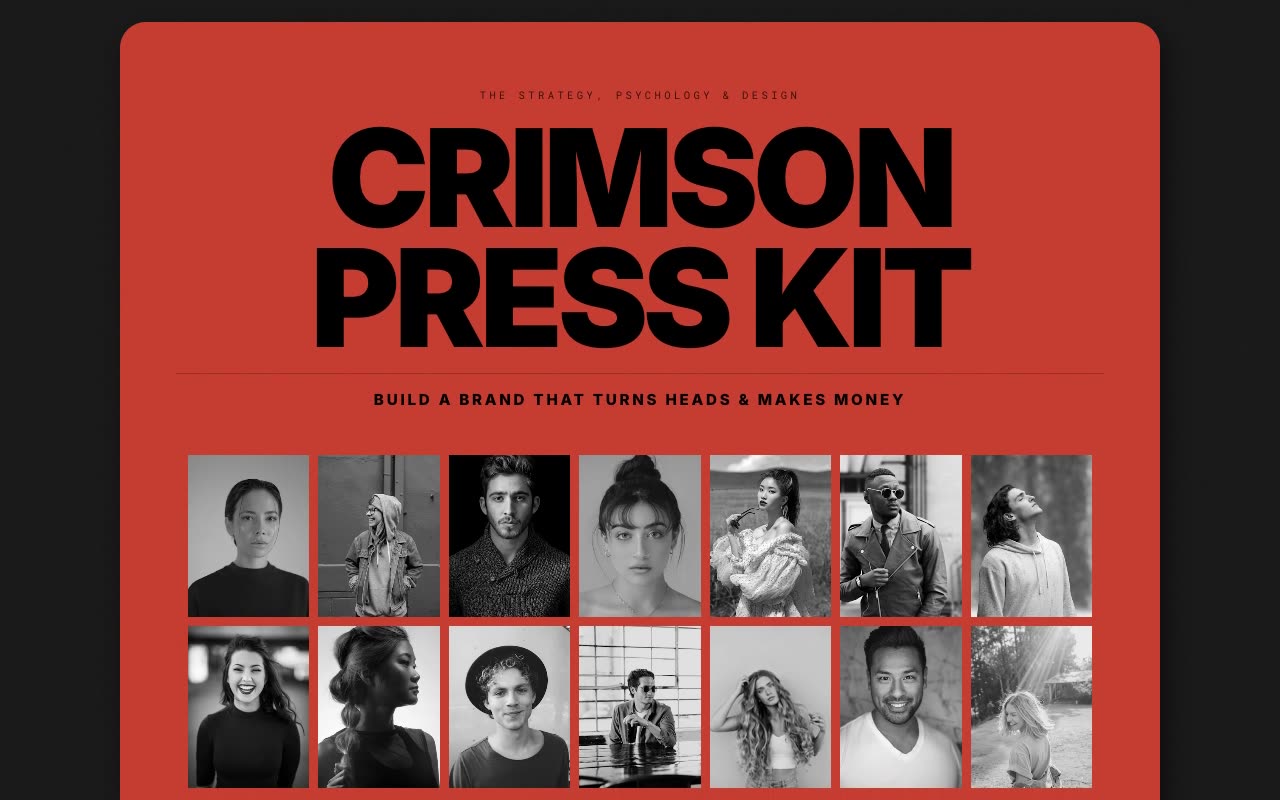
Portfolios · Claude AI
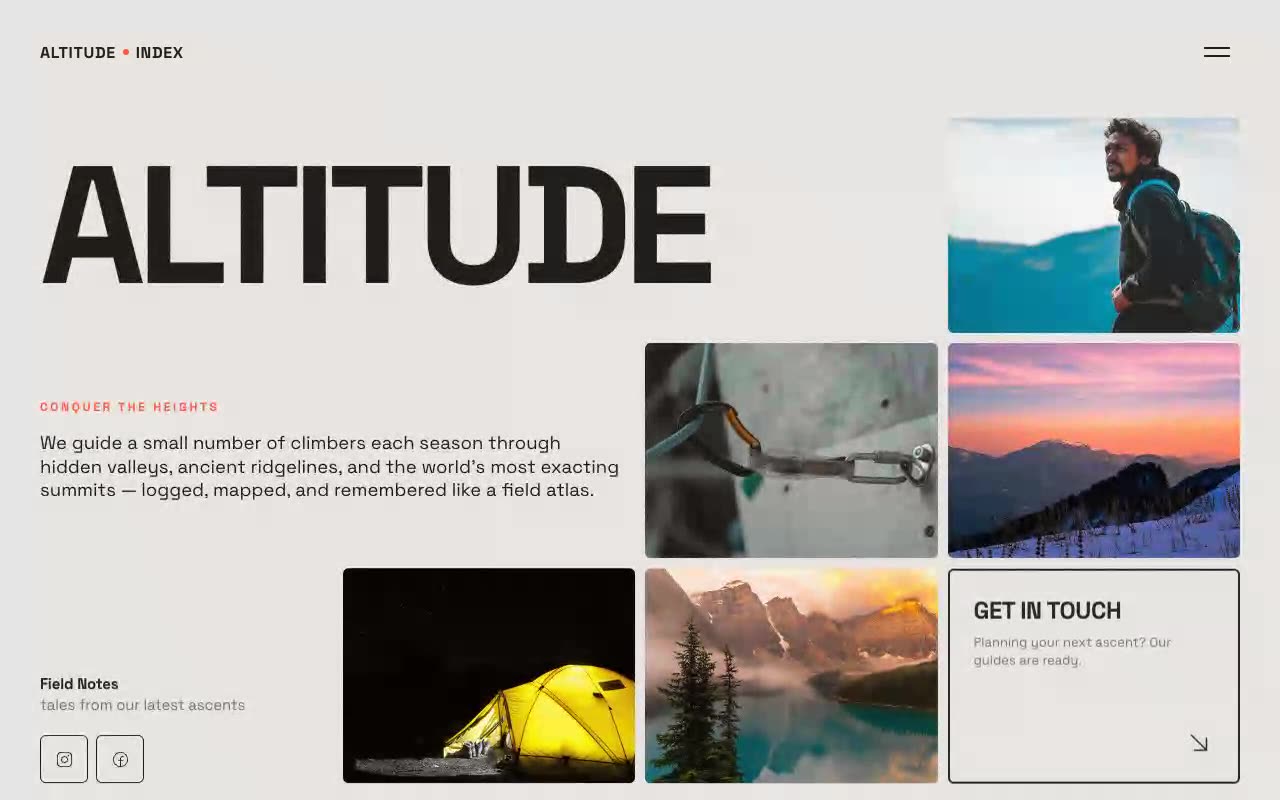
Hero Sections · Claude AI
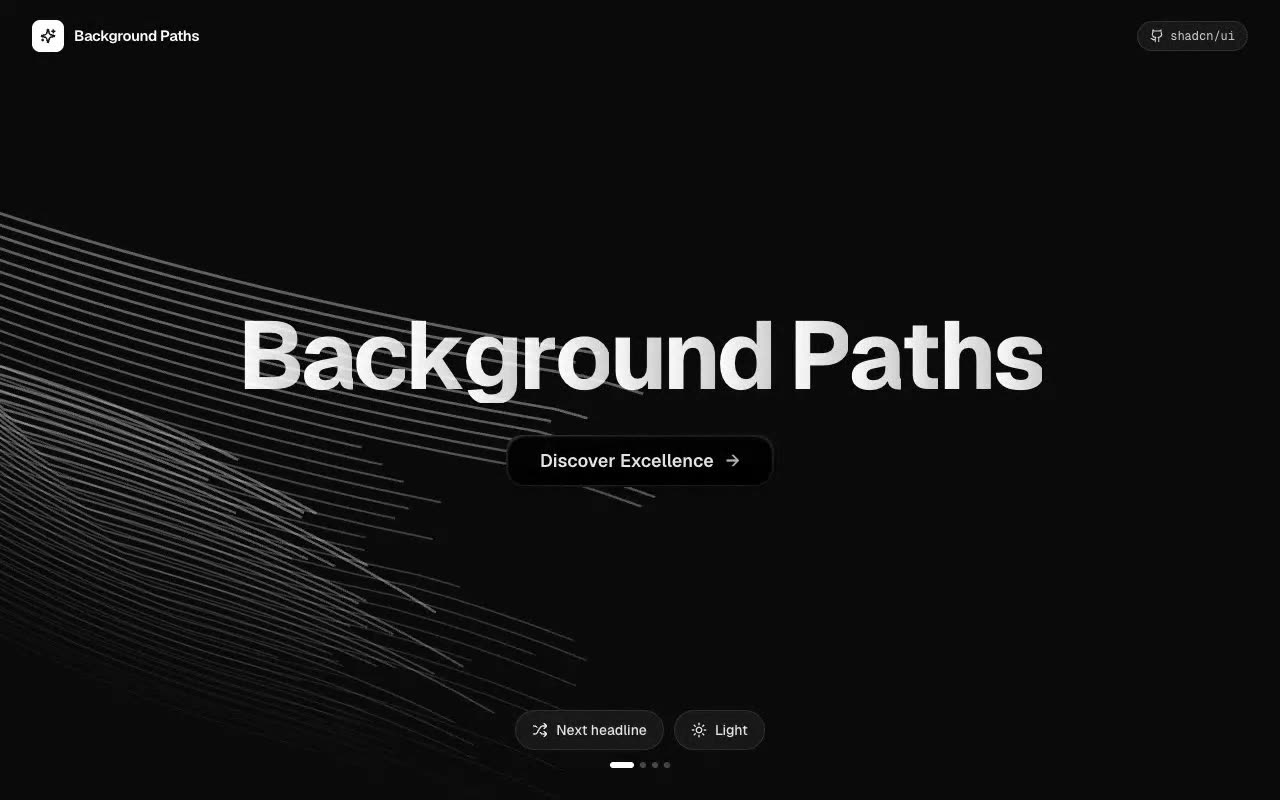
UI Components · Claude AI
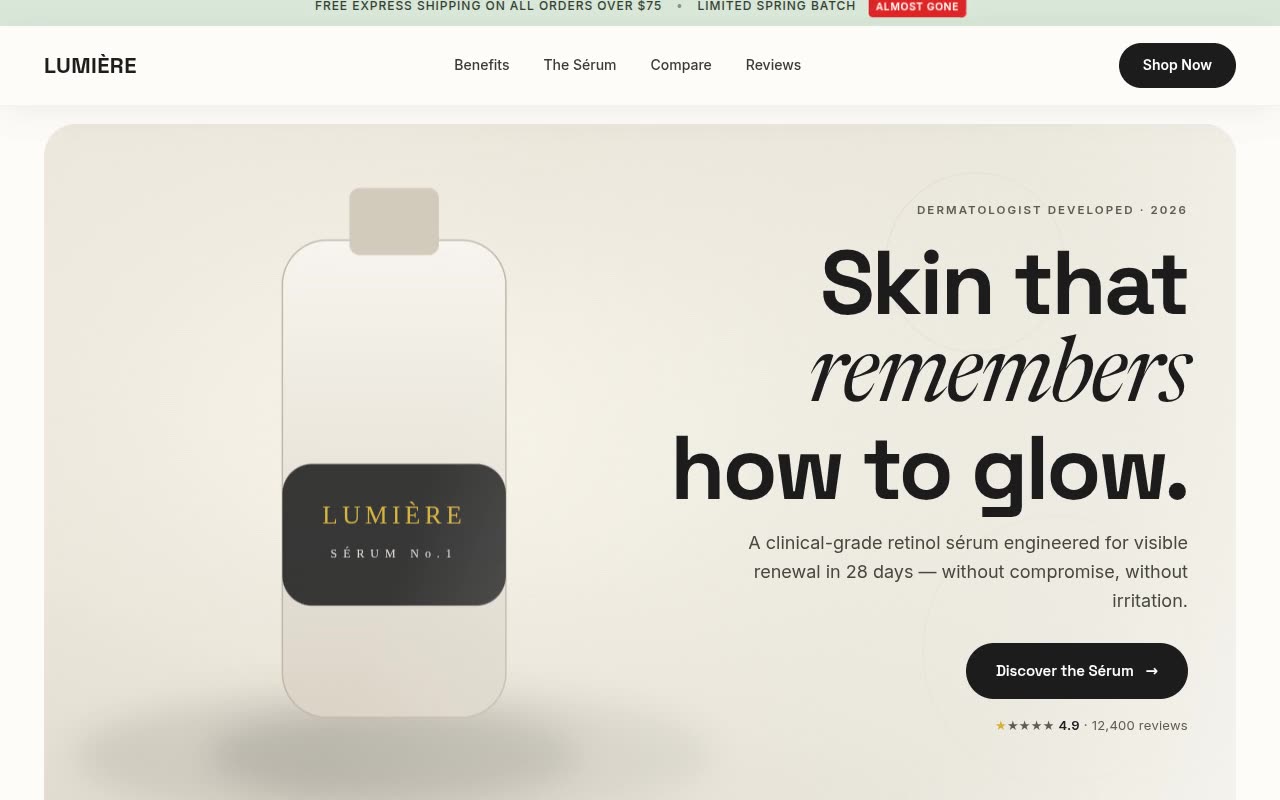
Website Templates · Claude AI
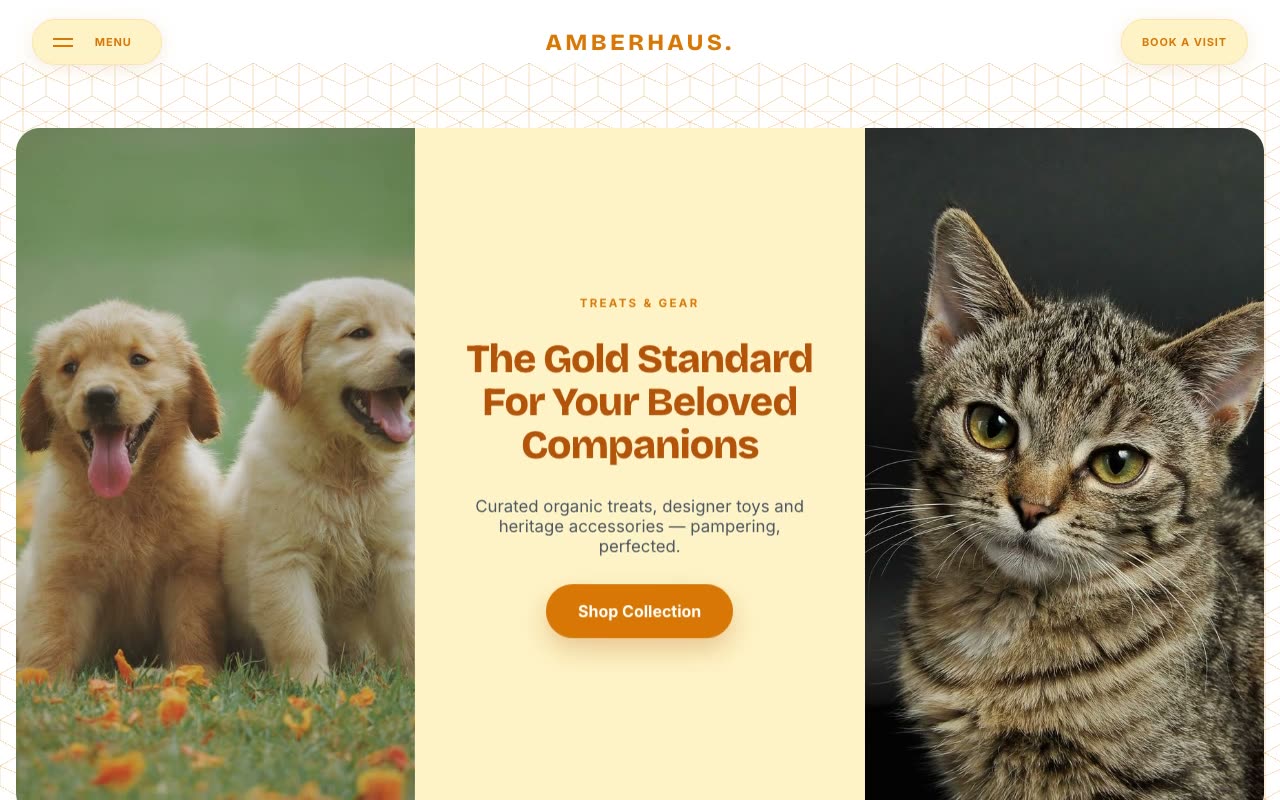
Landing Pages · Claude AI
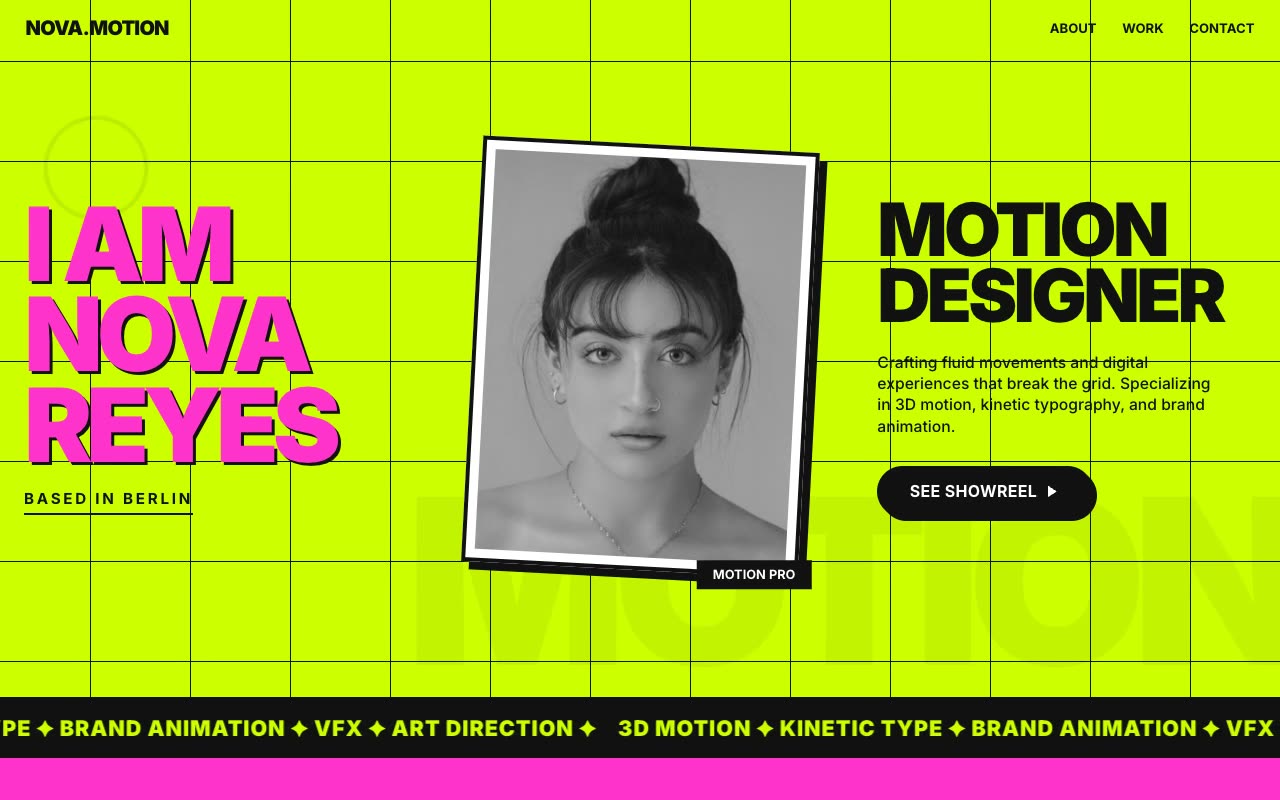
Portfolios · Claude AI
Compare landing pages, complete websites, portfolios, heroes, UI components and animated experiences.
Unlock one prompt for a single project or use a library plan when you build frequently.
Give the complete prompt to your AI builder, then iterate with your content, integrations and deployment requirements.
It is a reusable website direction packaged as a detailed prompt and a visual preview for an AI coding or no-code builder.
The prompts use plain text and work with major tools including Claude, Cursor, Lovable, v0, Bolt, Windsurf and ChatGPT.
Not for the first generation. Basic development knowledge is still useful for integrations, deployment, testing and final quality control.
The prompts include responsive behavior and layout requirements, but you should always test the generated result on real mobile and desktop sizes.