
Preview before you build
Compare finished designs and motion before spending time generating or editing a project.
Choose a finished visual direction before you open Lovable. Each template pairs a real preview with a structured prompt covering layout, responsive behavior, styling and interactions, so you can start from a deliberate design instead of a generic first draft.
Compare finished designs and motion before spending time generating or editing a project.
Give Lovable explicit requirements for sections, typography, assets, breakpoints and component states.
Change the brand, copy and stack while preserving the visual system that made you choose the template.
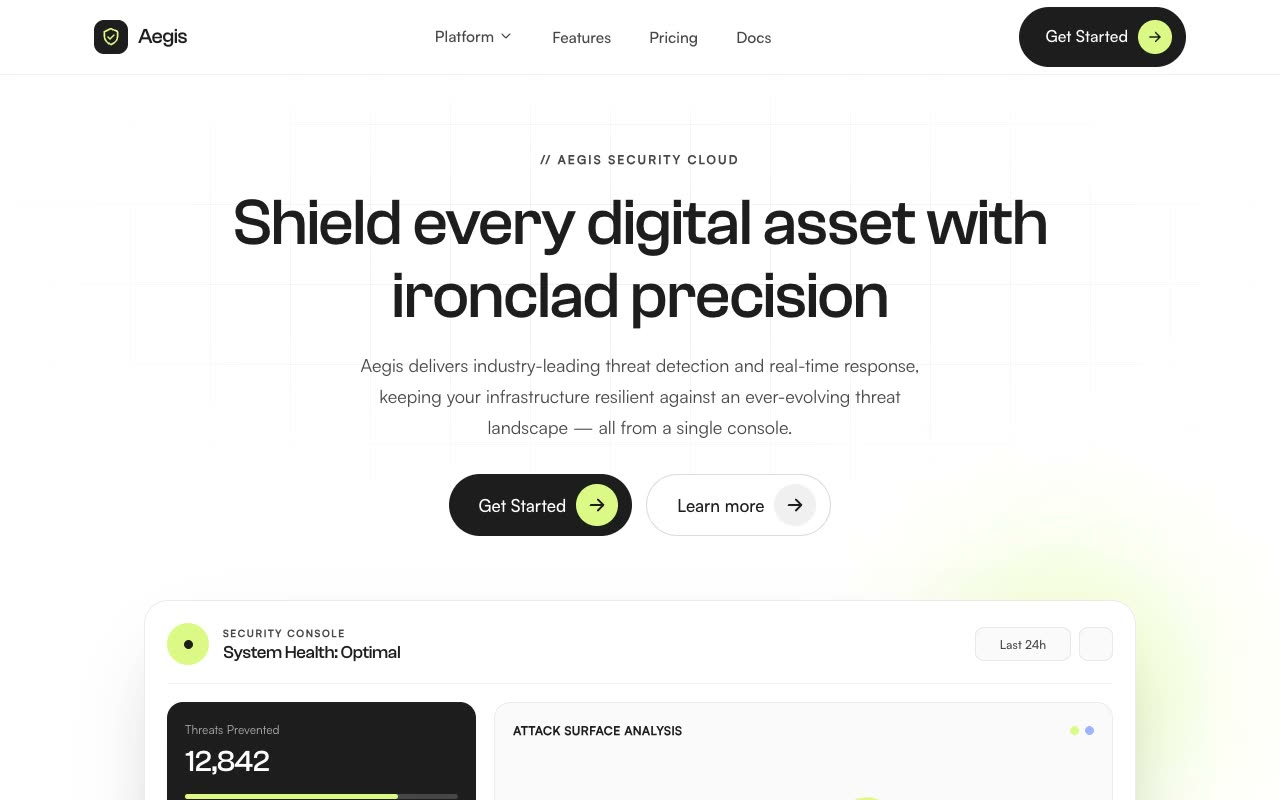
Landing Pages · Claude AI
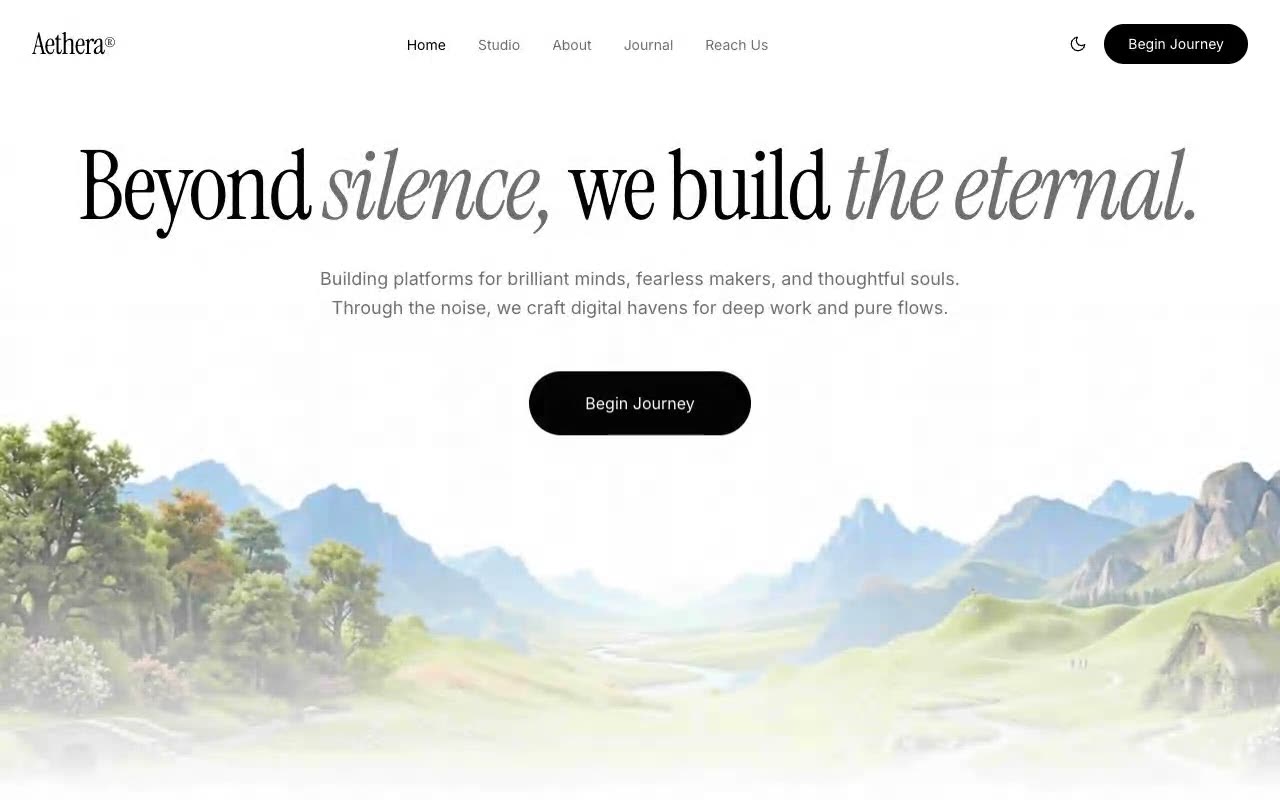
Hero Sections · Claude AI
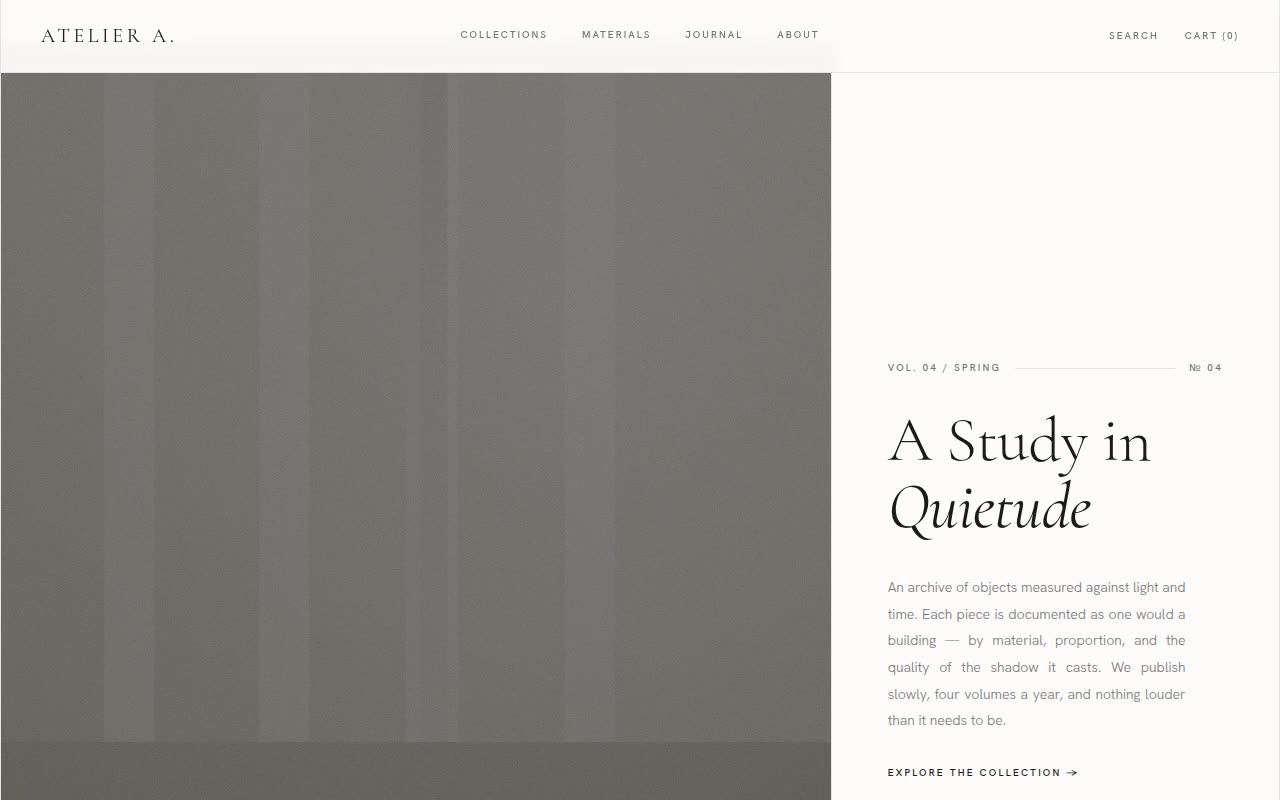
Website Templates · Claude AI
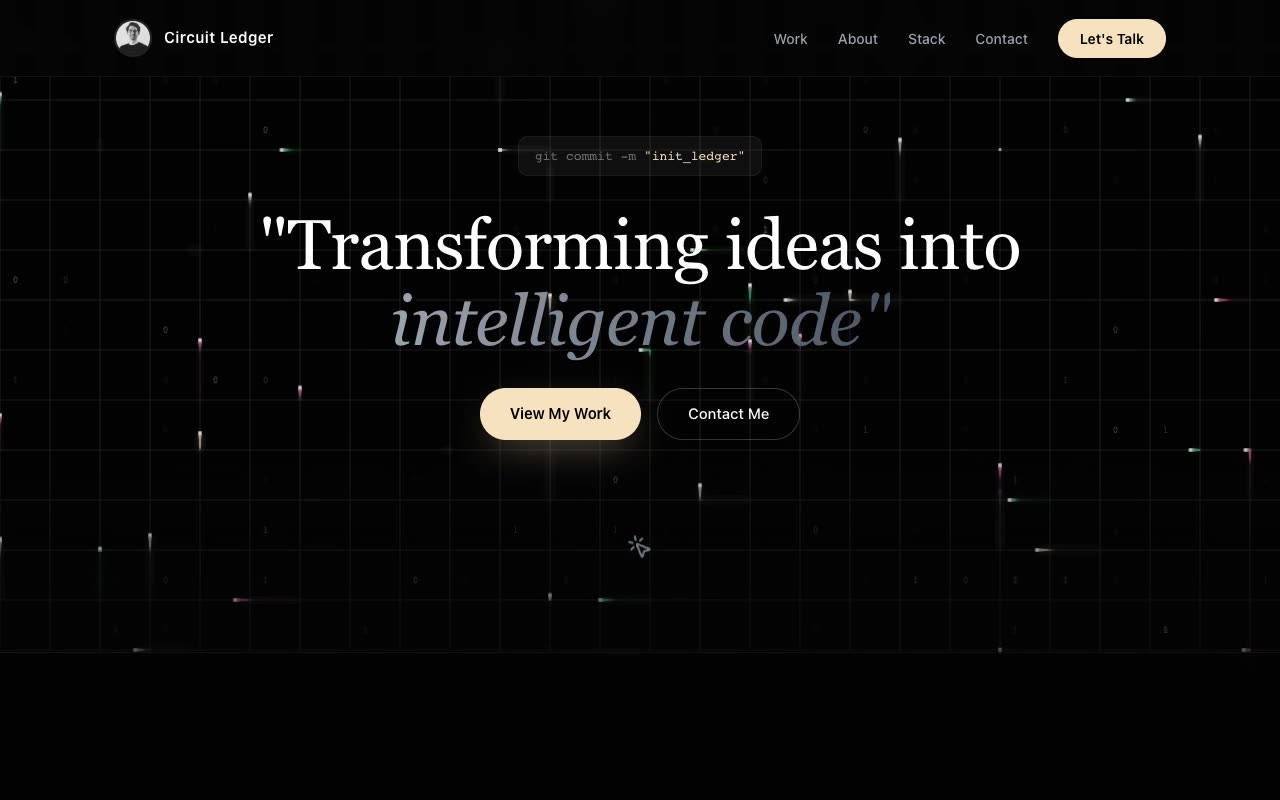
Portfolios · Claude AI
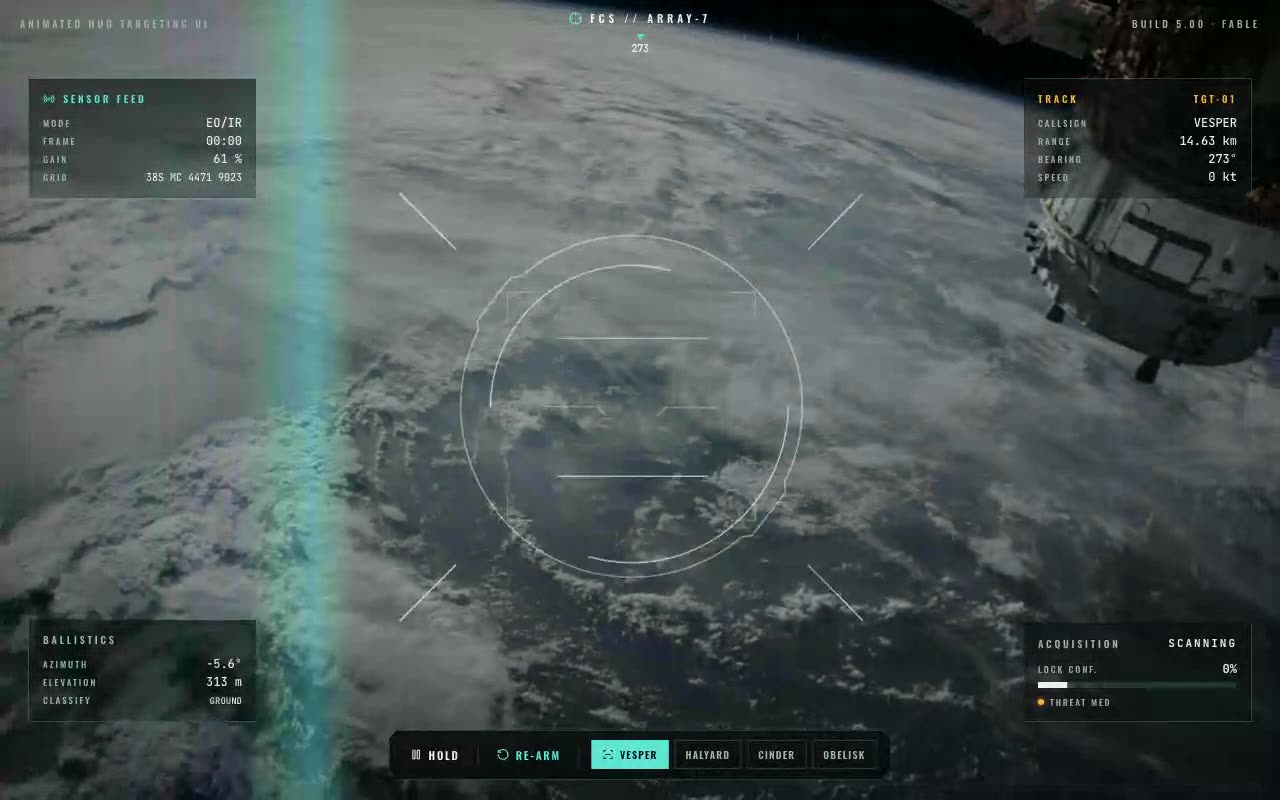
UI Components · Claude AI
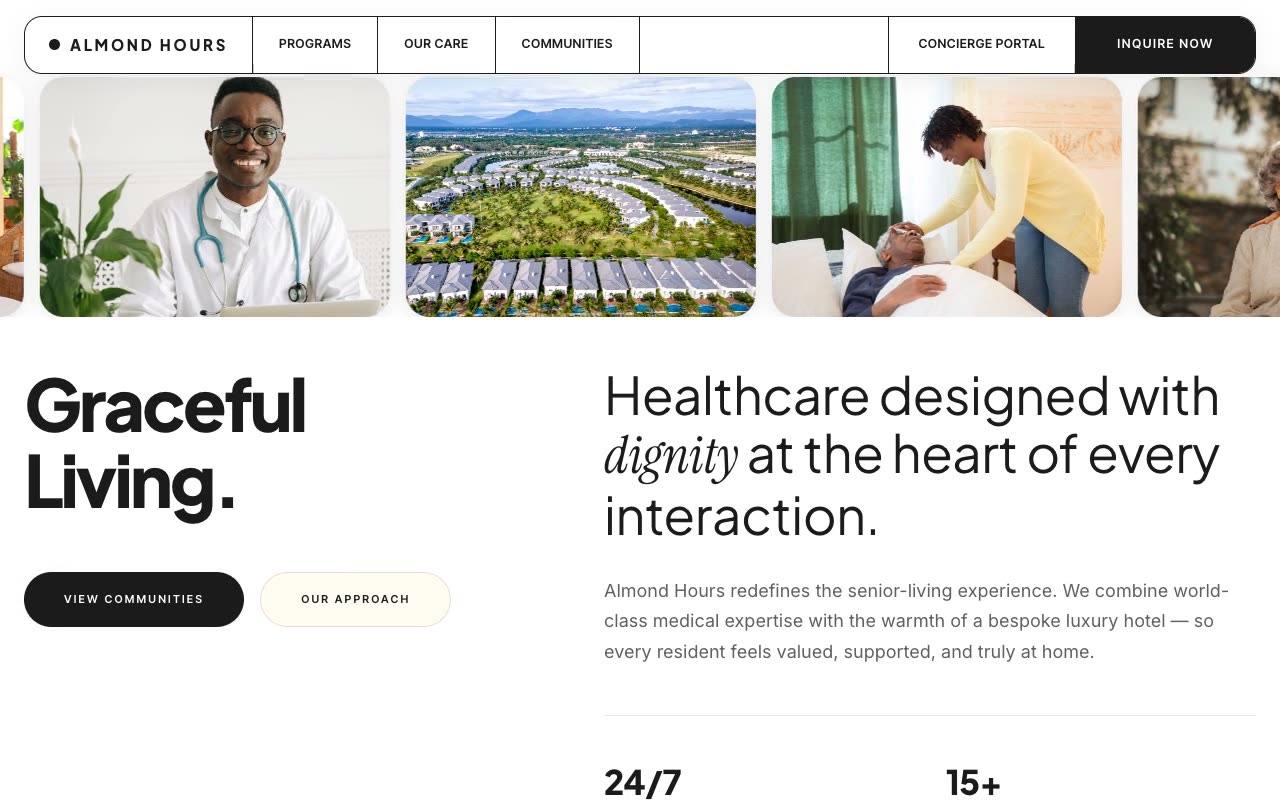
Landing Pages · Claude AI
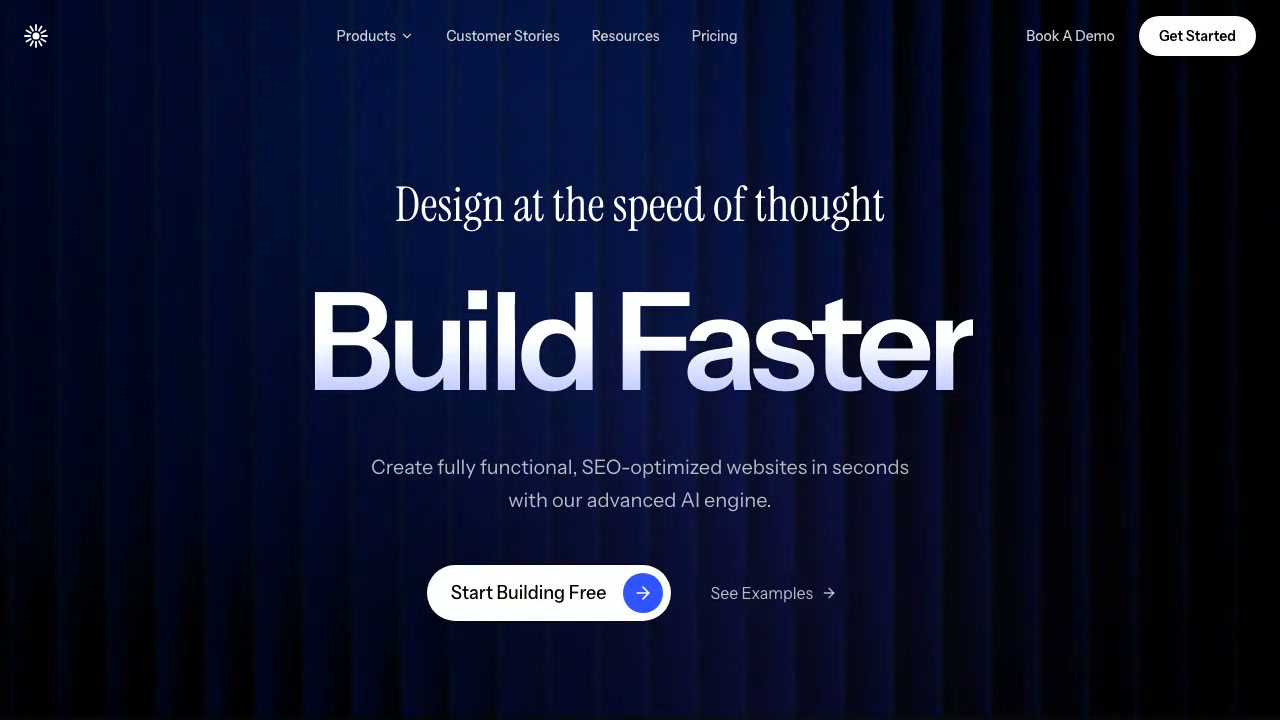
Hero Sections · Claude AI
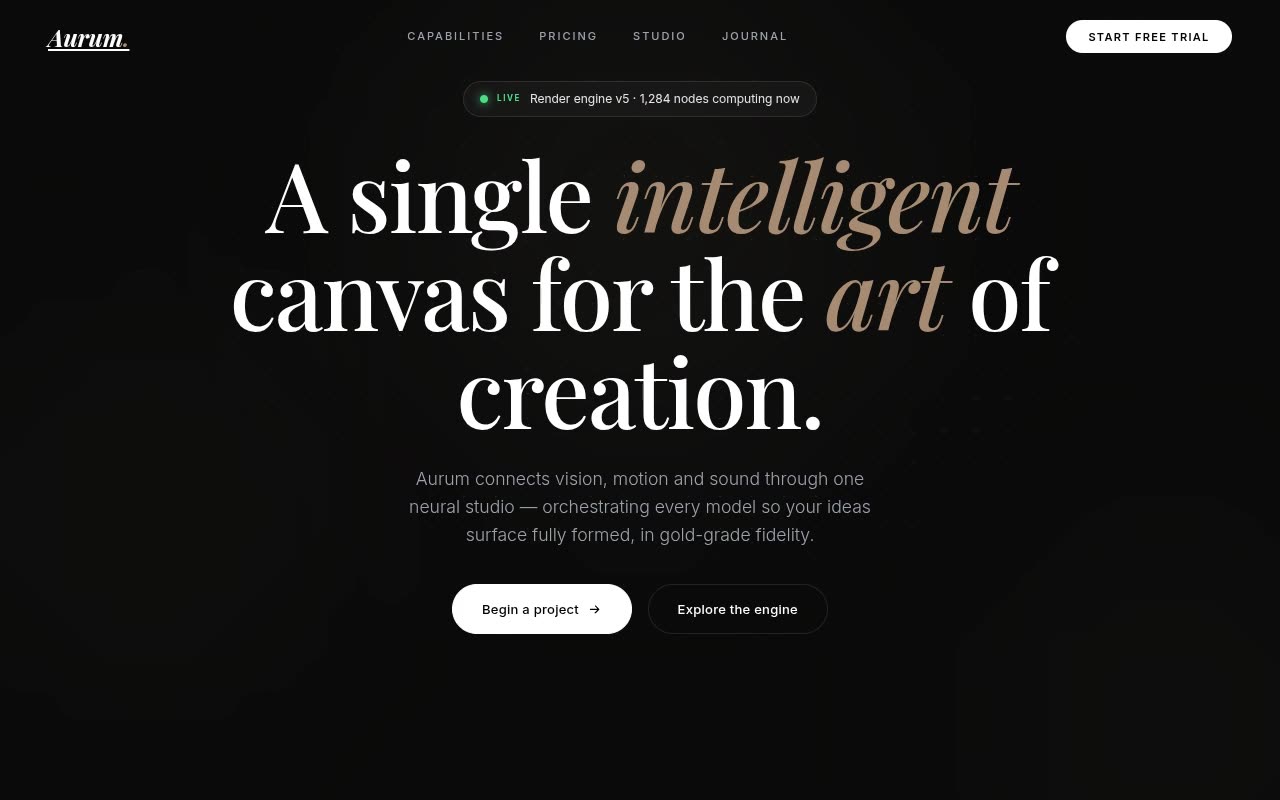
Website Templates · Claude AI
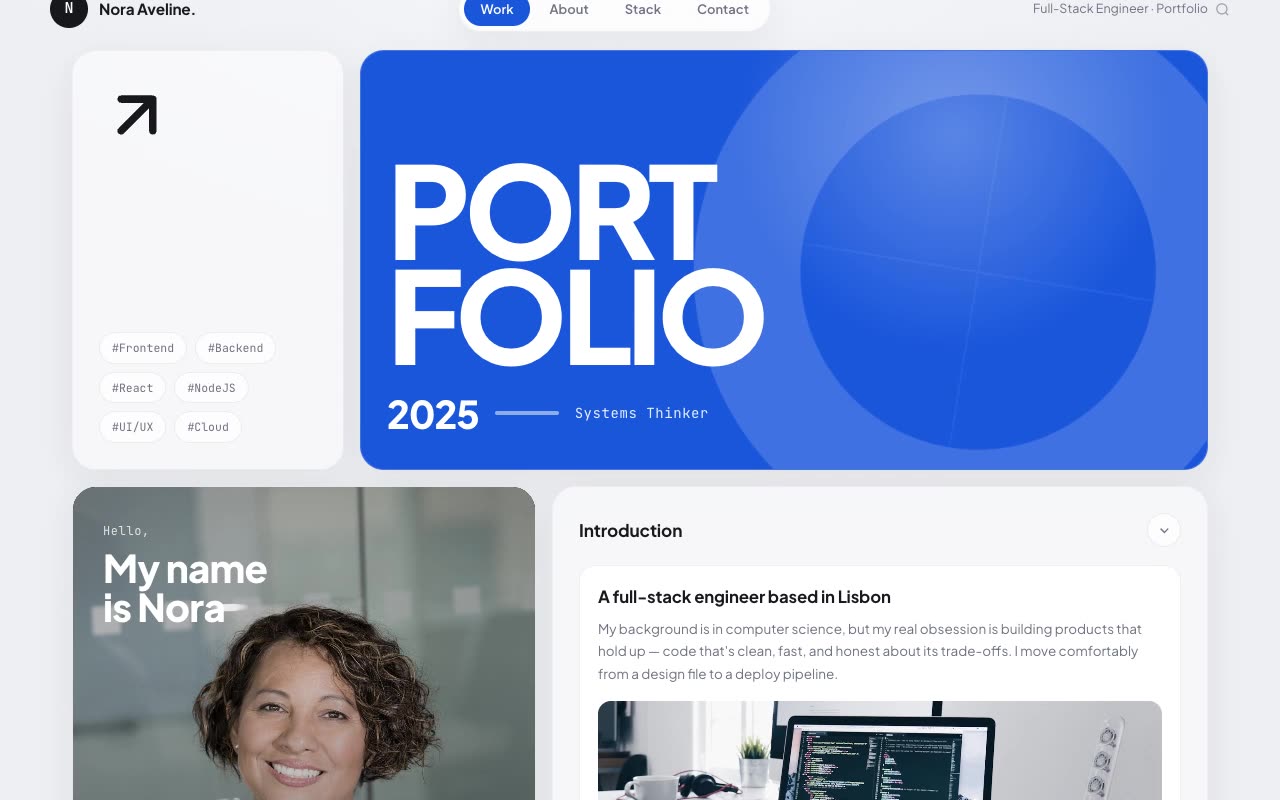
Portfolios · Claude AI
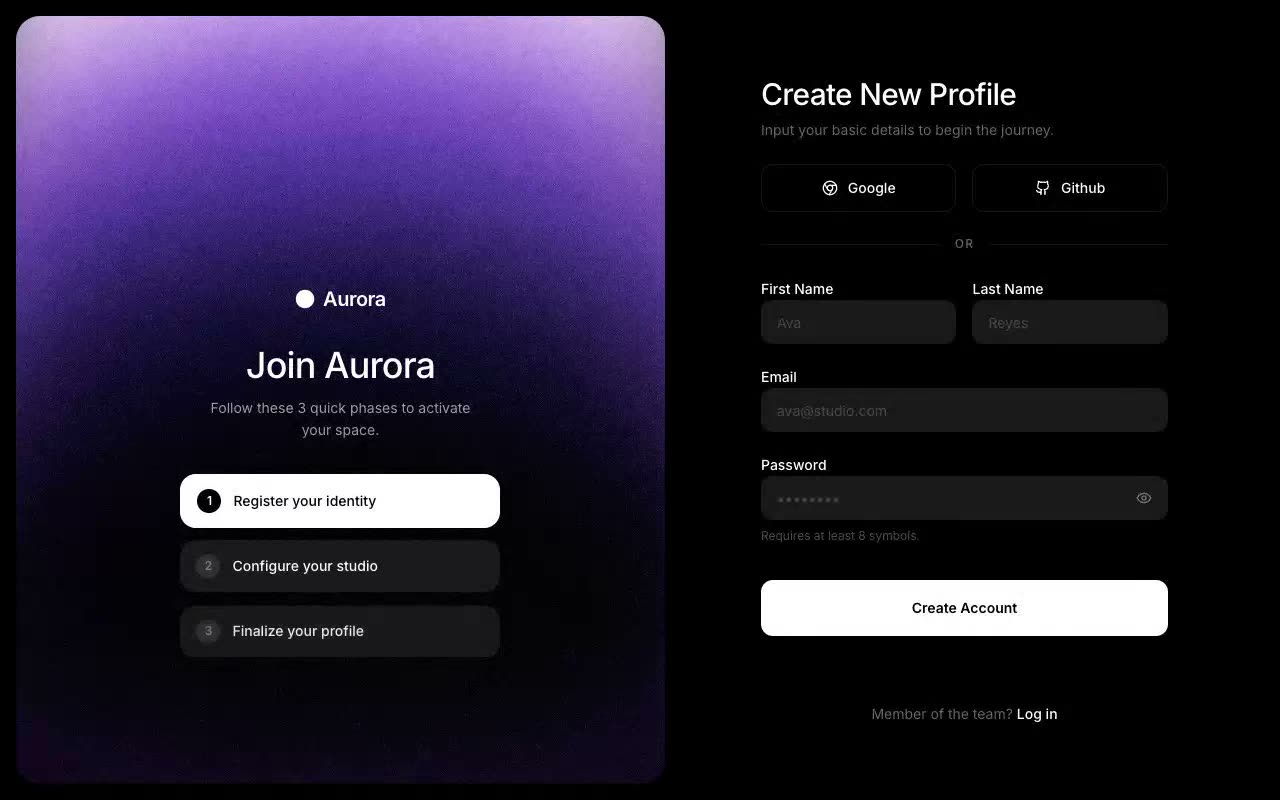
UI Components · Claude AI
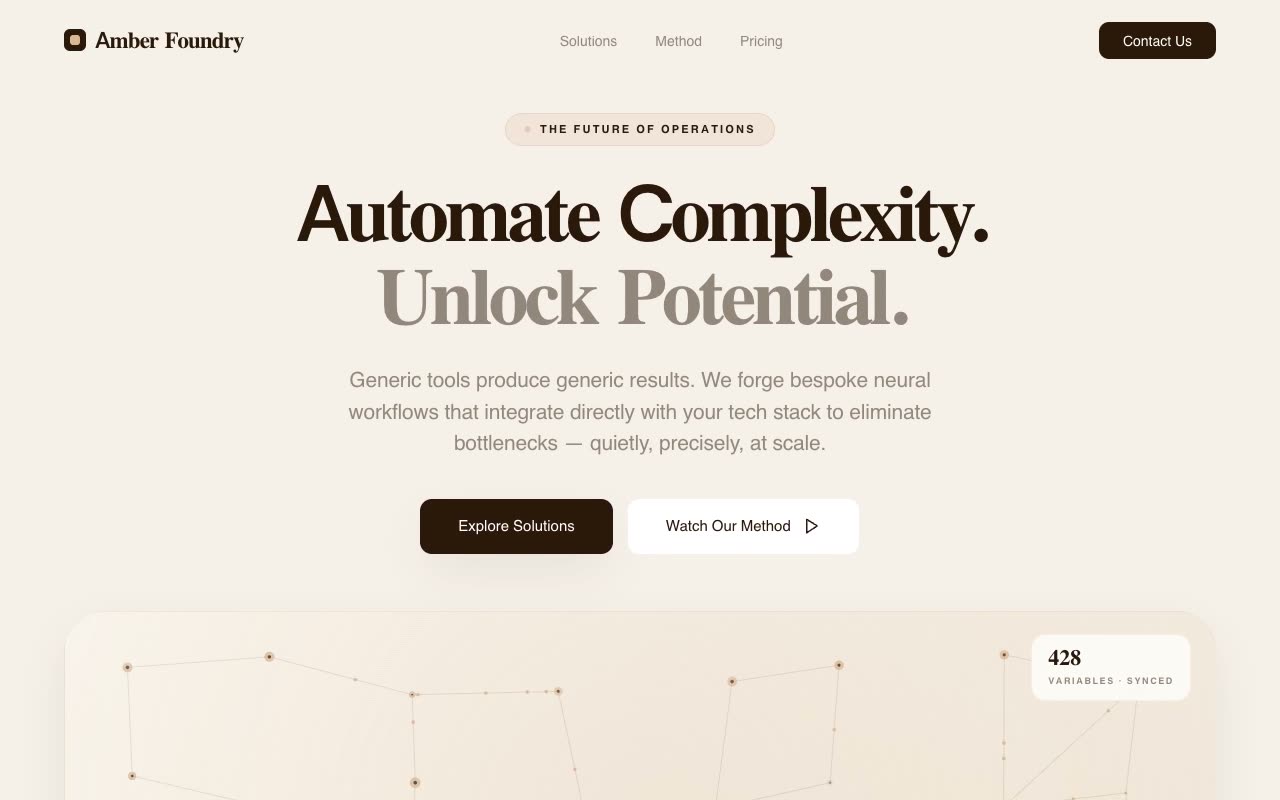
Landing Pages · Claude AI
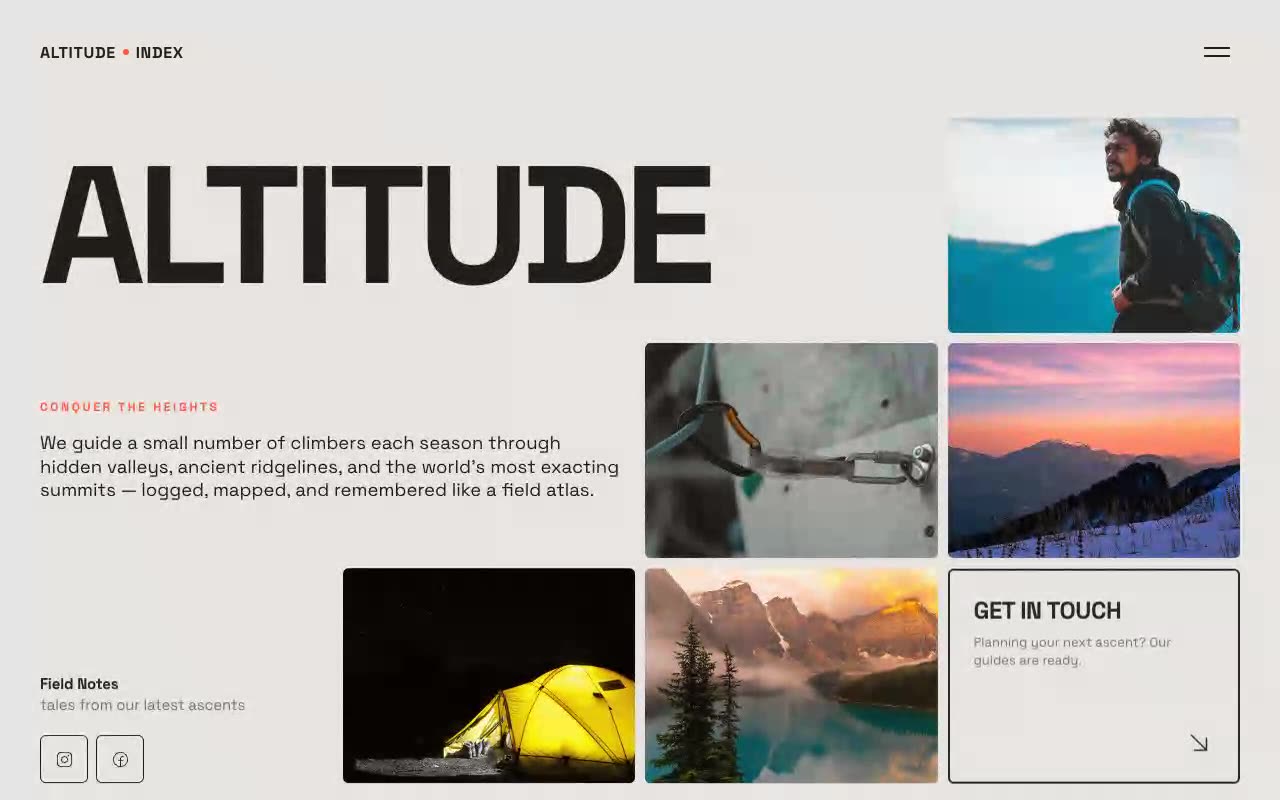
Hero Sections · Claude AI
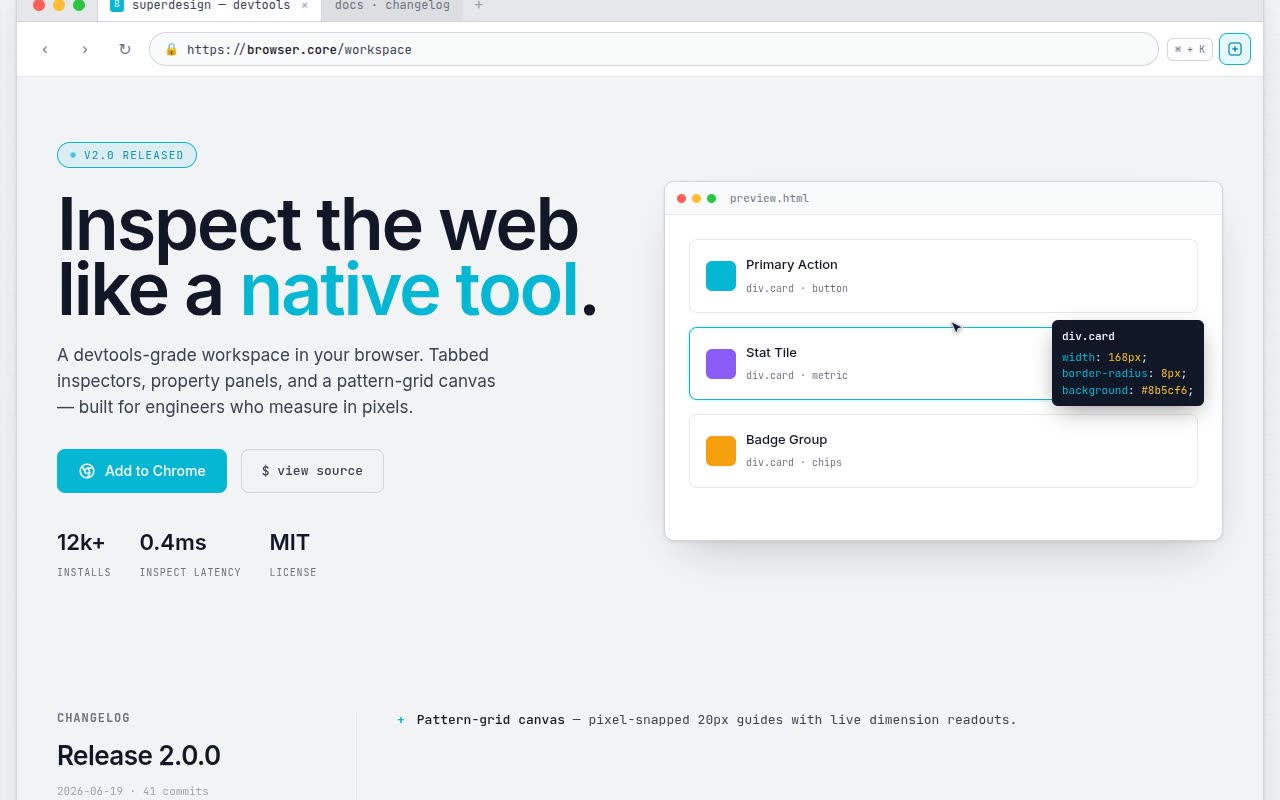
Website Templates · Claude AI
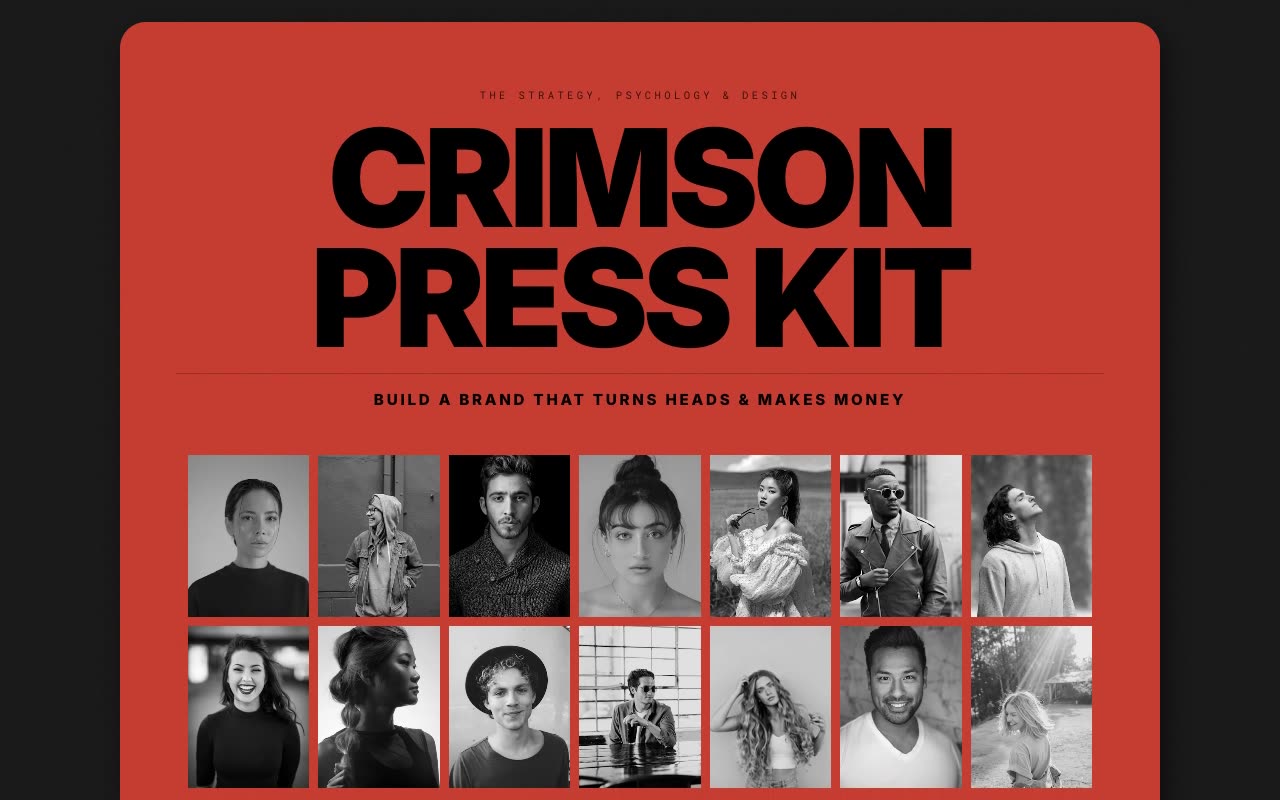
Portfolios · Claude AI
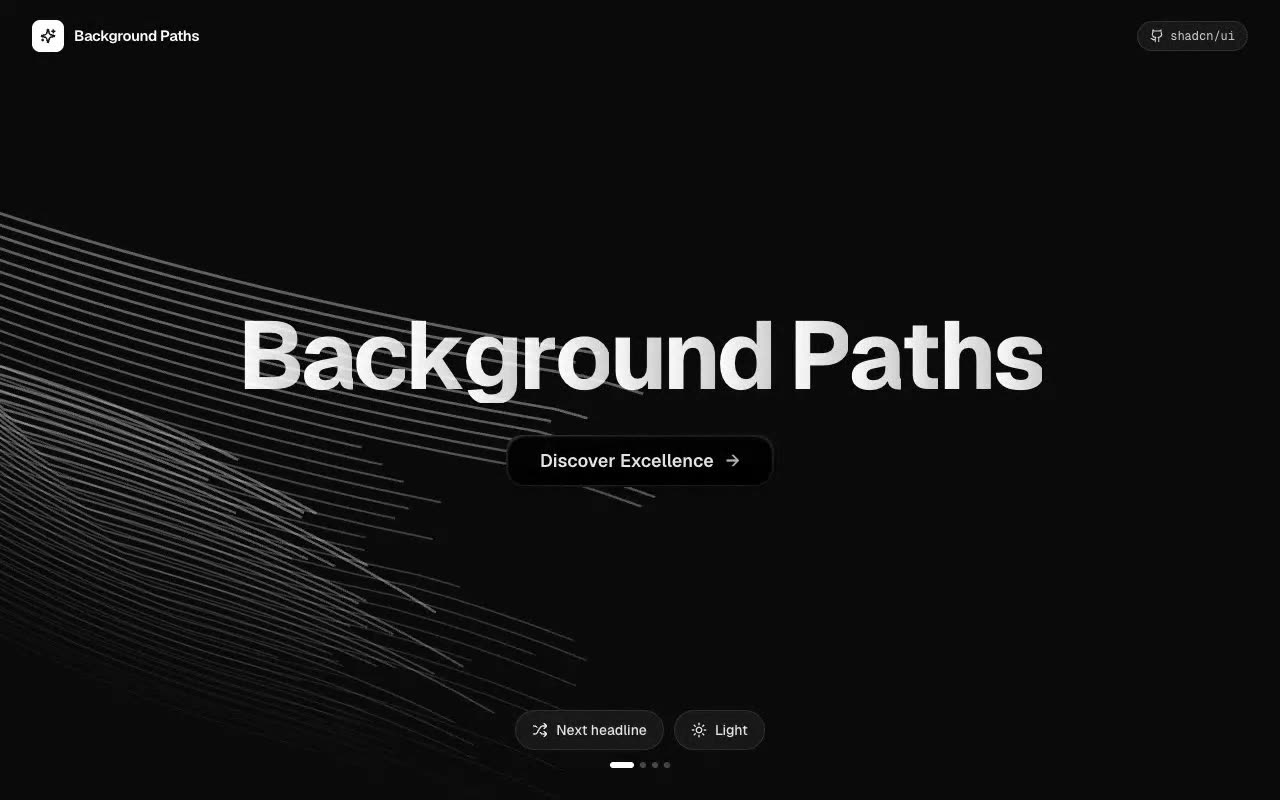
UI Components · Claude AI
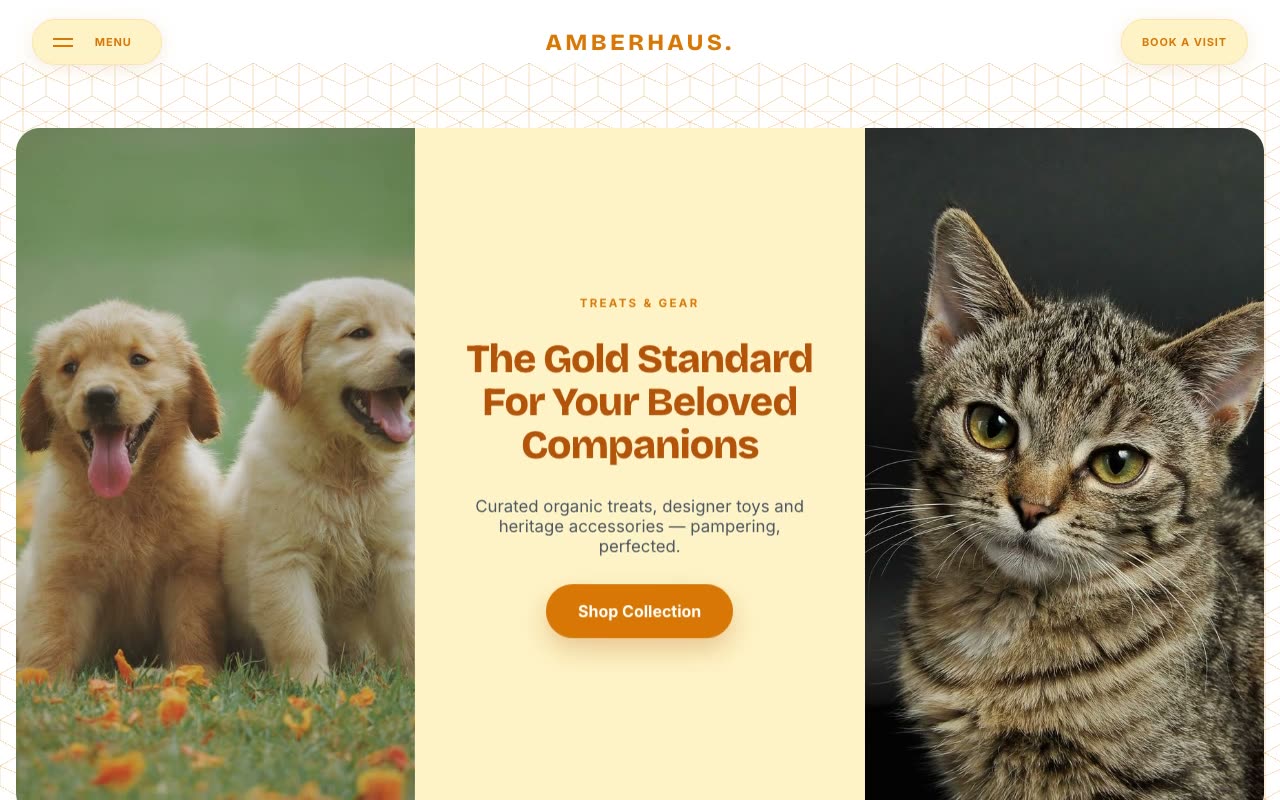
Landing Pages · Claude AI
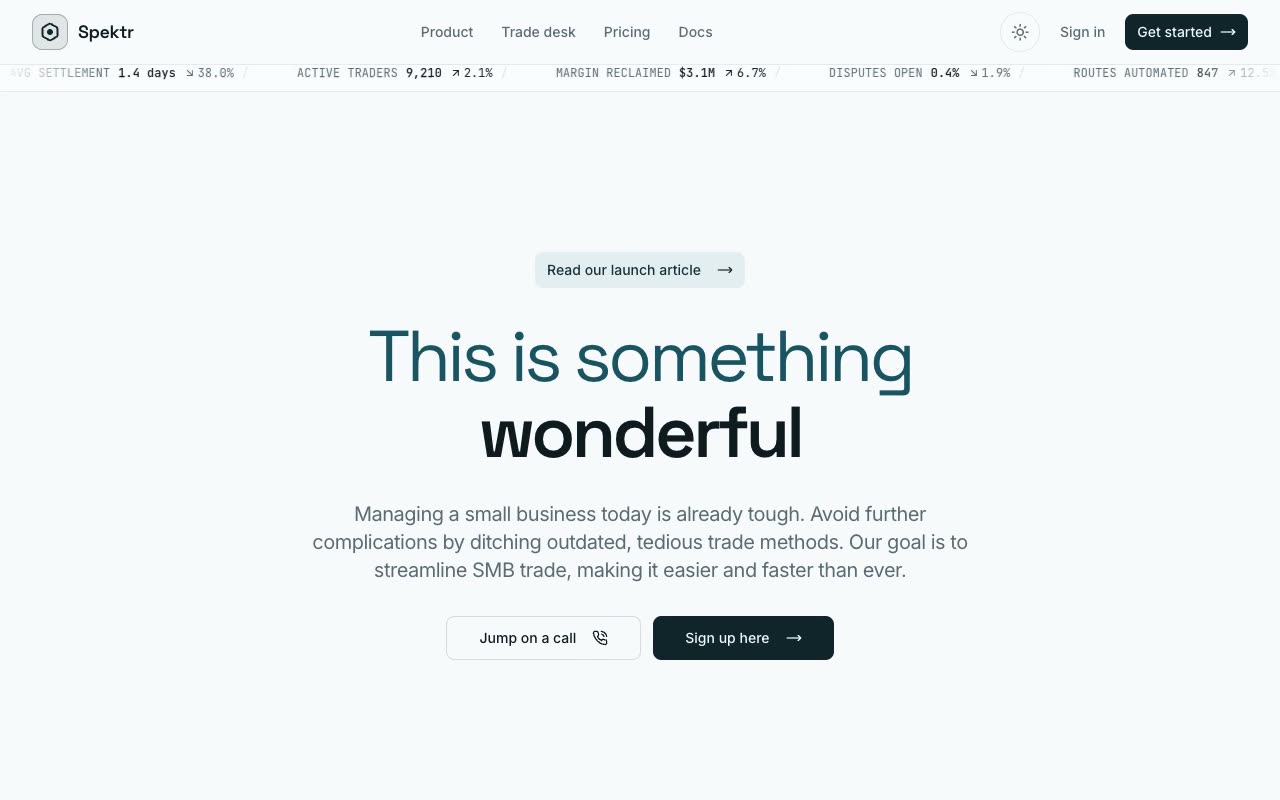
Hero Sections · Claude AI
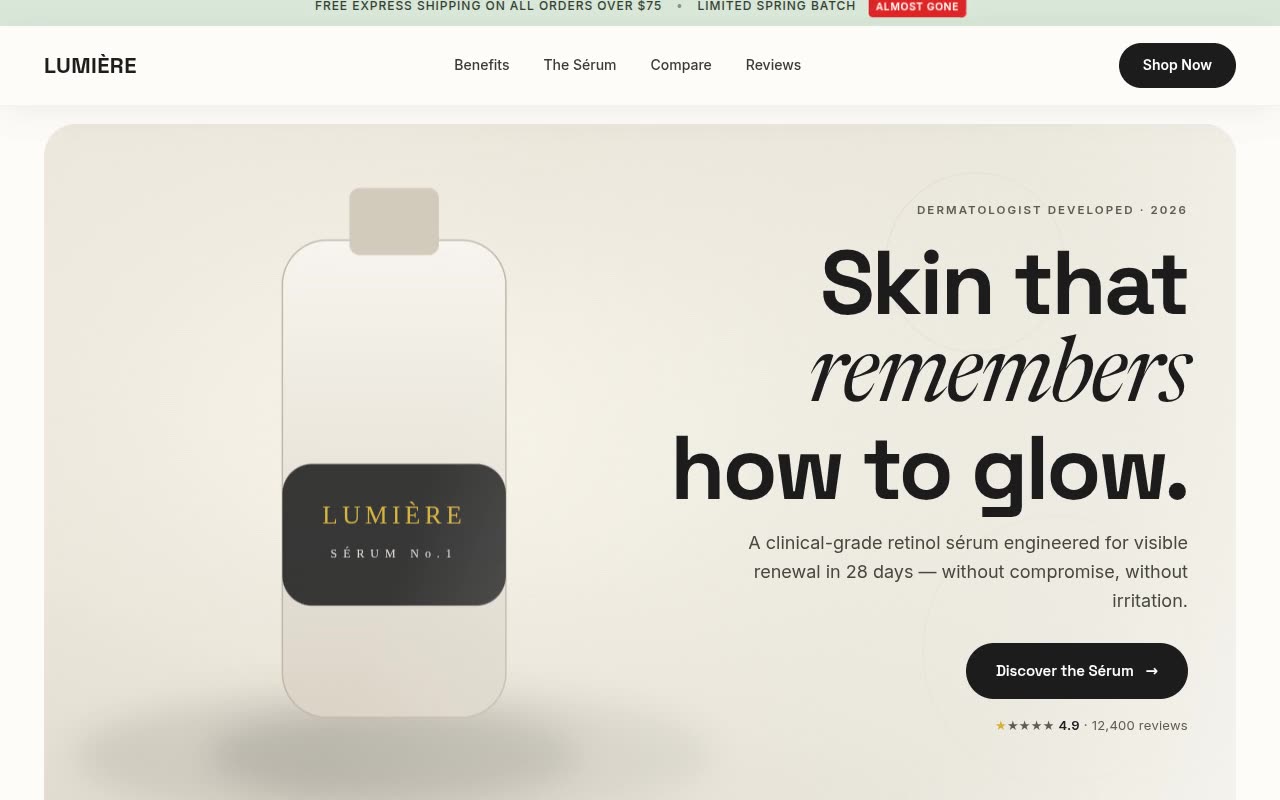
Website Templates · Claude AI
Browse the previews and open the template that matches your product, audience and desired level of motion.
Copy the production brief attached to the selected design from your Nuvanto account.
Paste the brief into Lovable, review the generated result, then provide your real content and brand assets.
Yes. The prompts are structured implementation briefs that can be pasted into Lovable and adapted through follow-up instructions.
No. Nuvanto provides visual references and detailed prompts, so you are not locked into a cloned project or a fixed codebase.
Yes. Replace the copy, colors, images and product details while keeping or changing any part of the layout and motion system.
Yes. Generated sites may be used for commercial and client work, subject to the licenses of any third-party assets you add.