
Work inside your real codebase
Use the prompt with Cursor Agent while preserving your framework, components, dependencies and project conventions.
Use a finished reference and an explicit production brief to help Cursor make coherent changes across components, styles and routes. Each prompt gives the agent enough design context to implement a system instead of generating disconnected snippets.
Use the prompt with Cursor Agent while preserving your framework, components, dependencies and project conventions.
Translate the preview into concrete requirements for layout, styling, motion, assets and responsive behavior.
Let Cursor inspect existing code, reuse shared components and fix integration problems that a standalone generator cannot see.
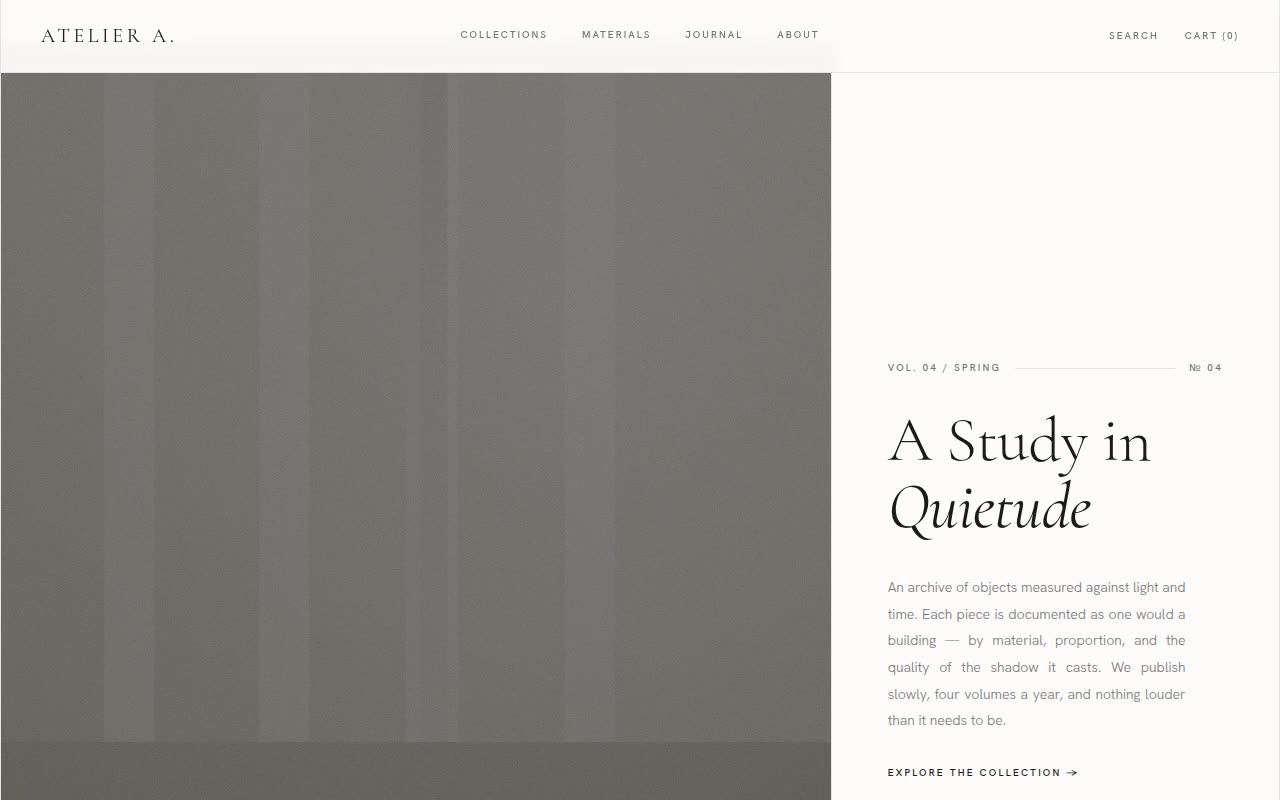
Website Templates · Claude AI
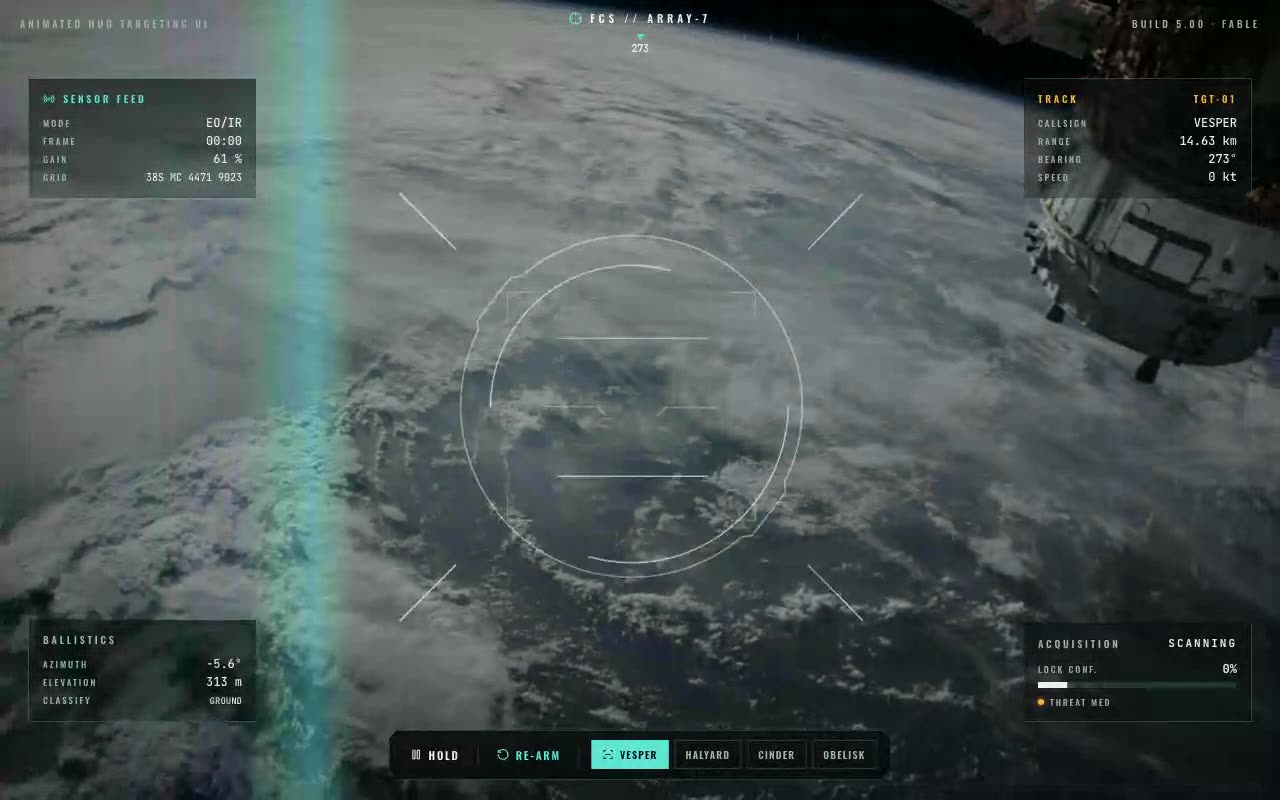
UI Components · Claude AI
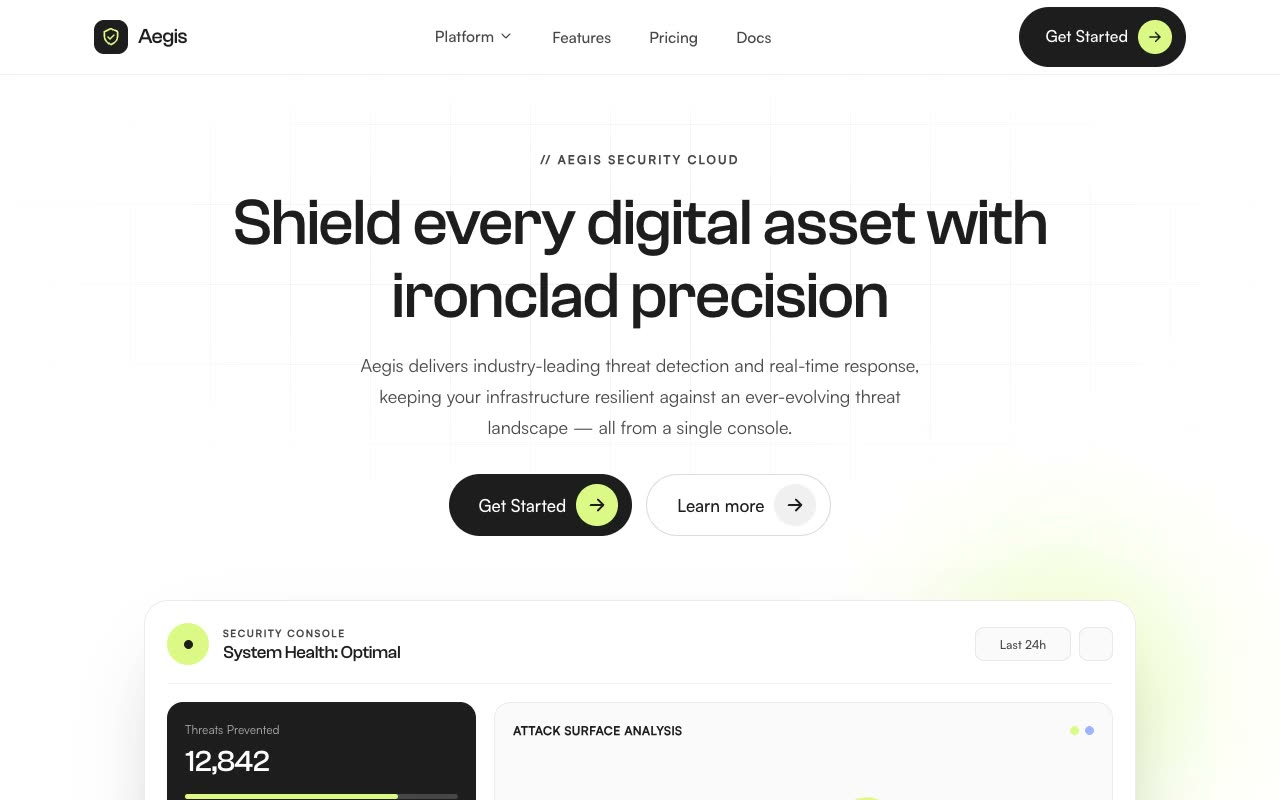
Landing Pages · Claude AI
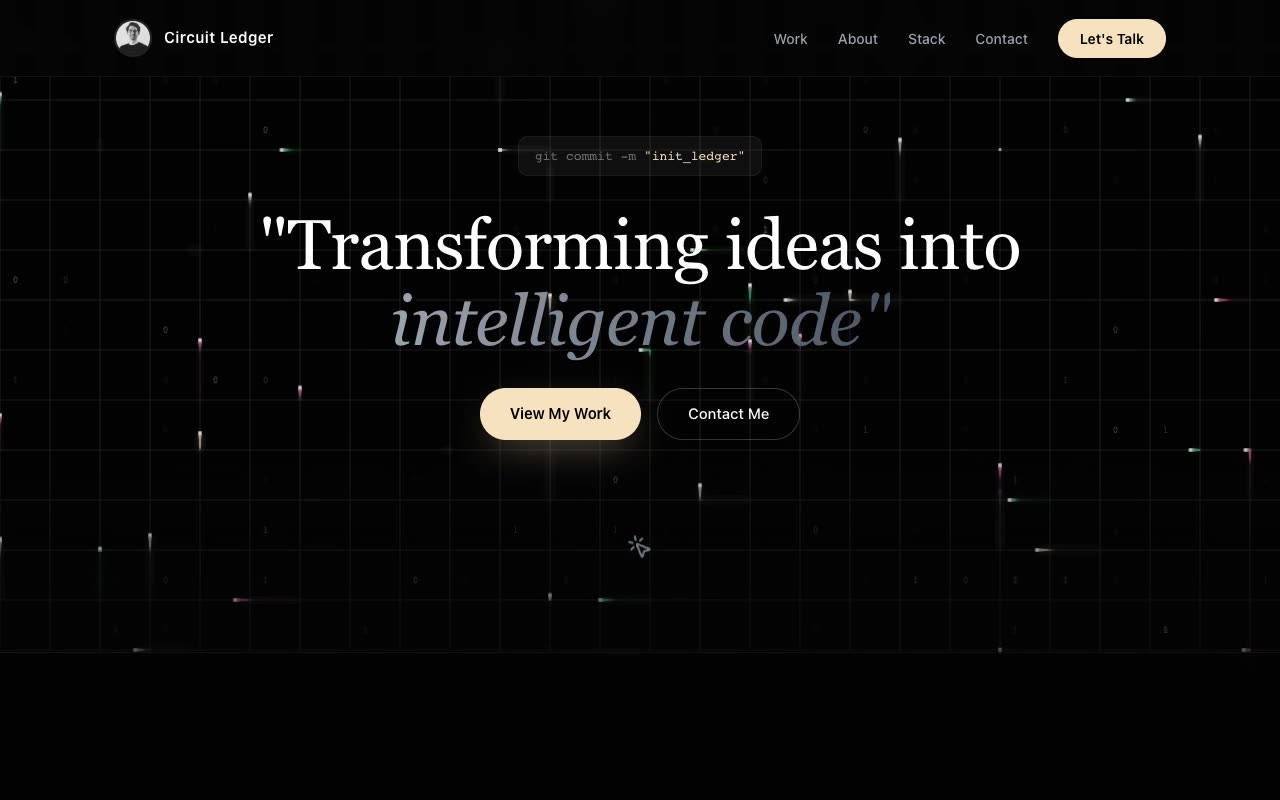
Portfolios · Claude AI
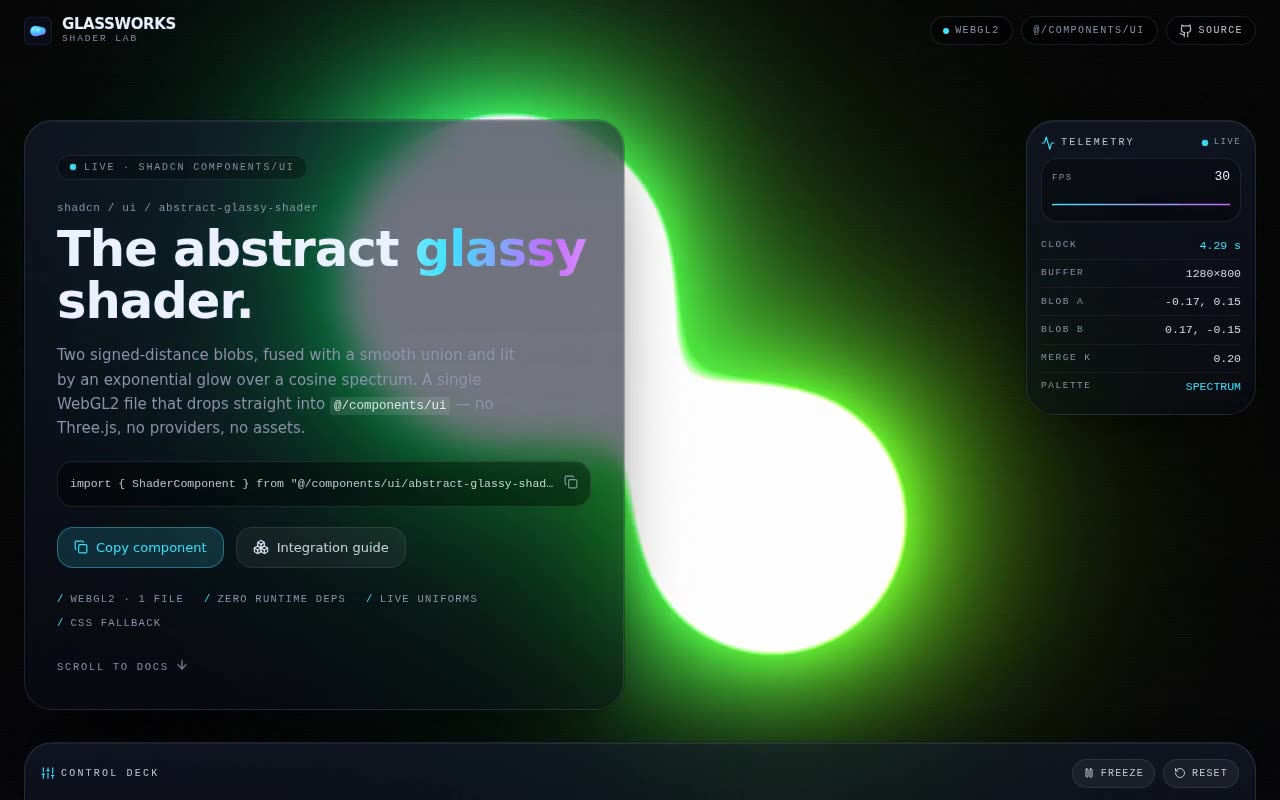
Shaders · Claude AI
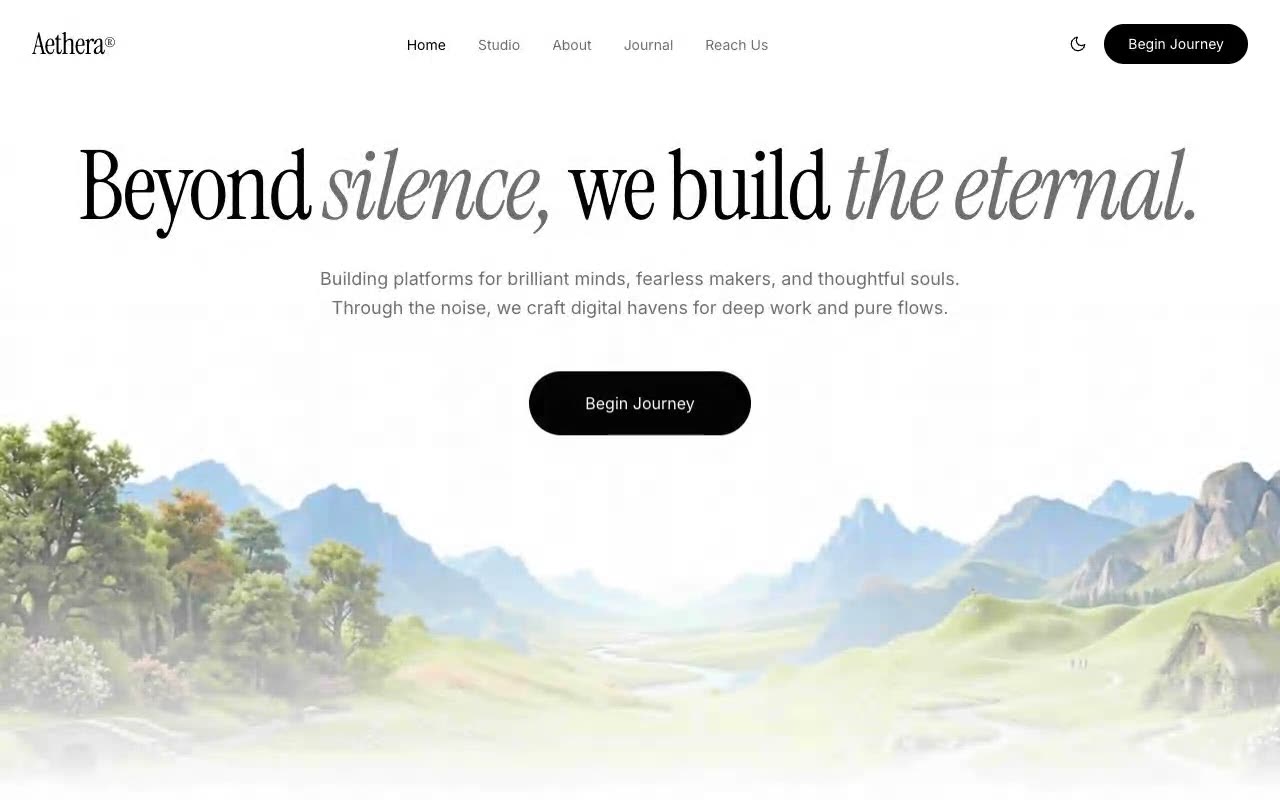
Hero Sections · Claude AI

Website Templates · Claude AI
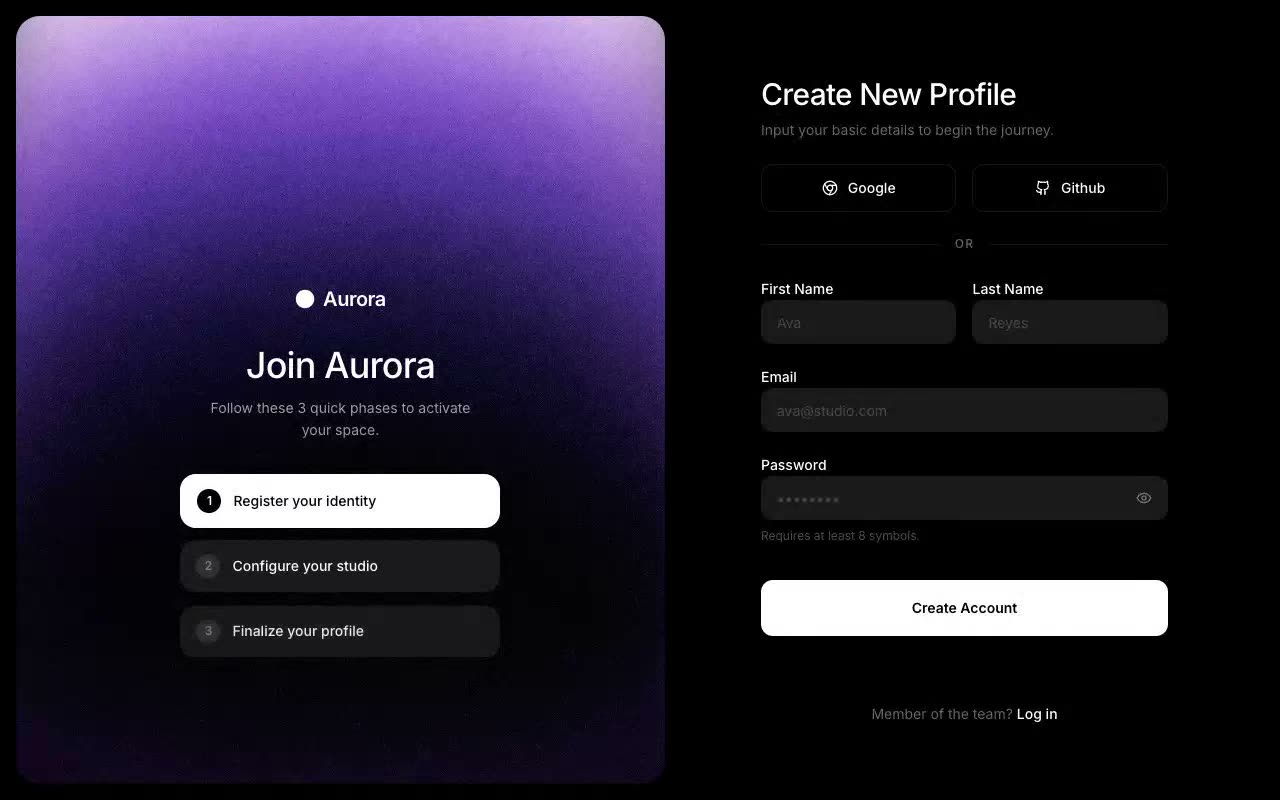
UI Components · Claude AI

Landing Pages · Claude AI
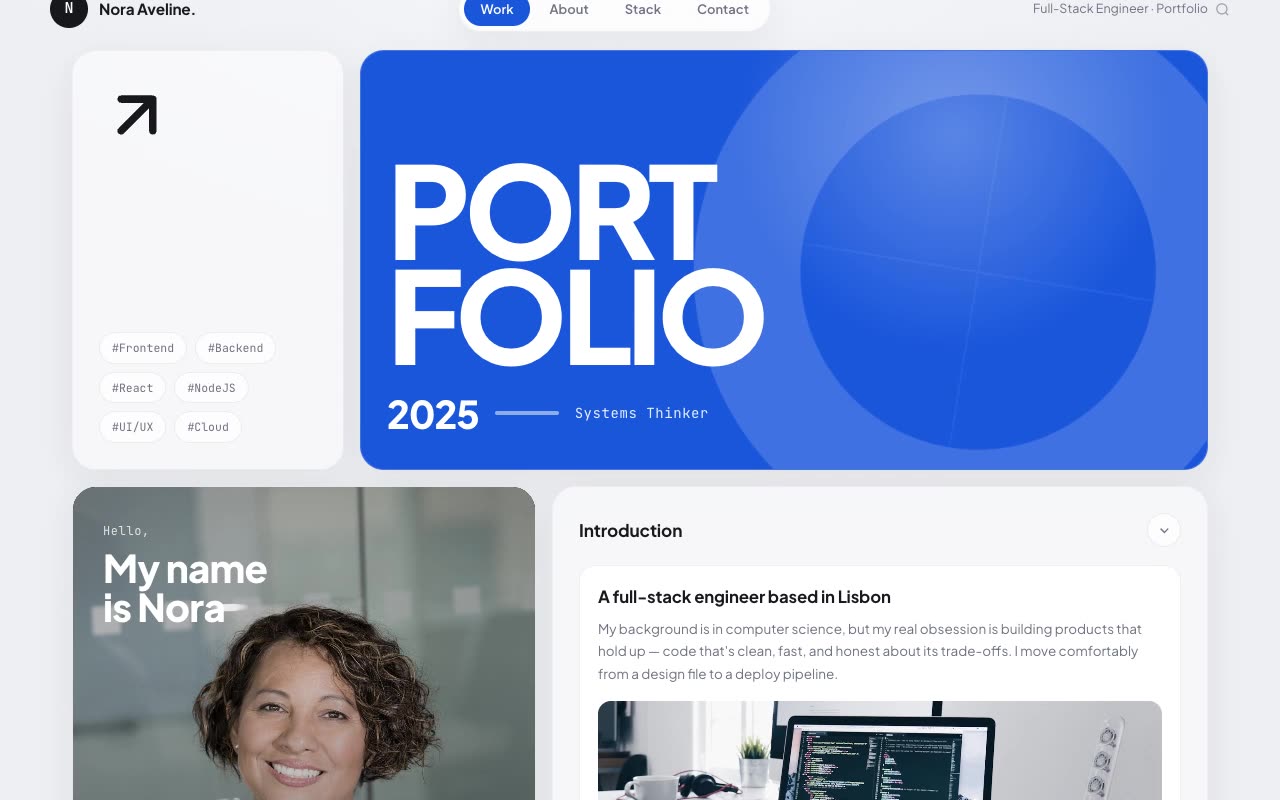
Portfolios · Claude AI

Shaders · Claude AI
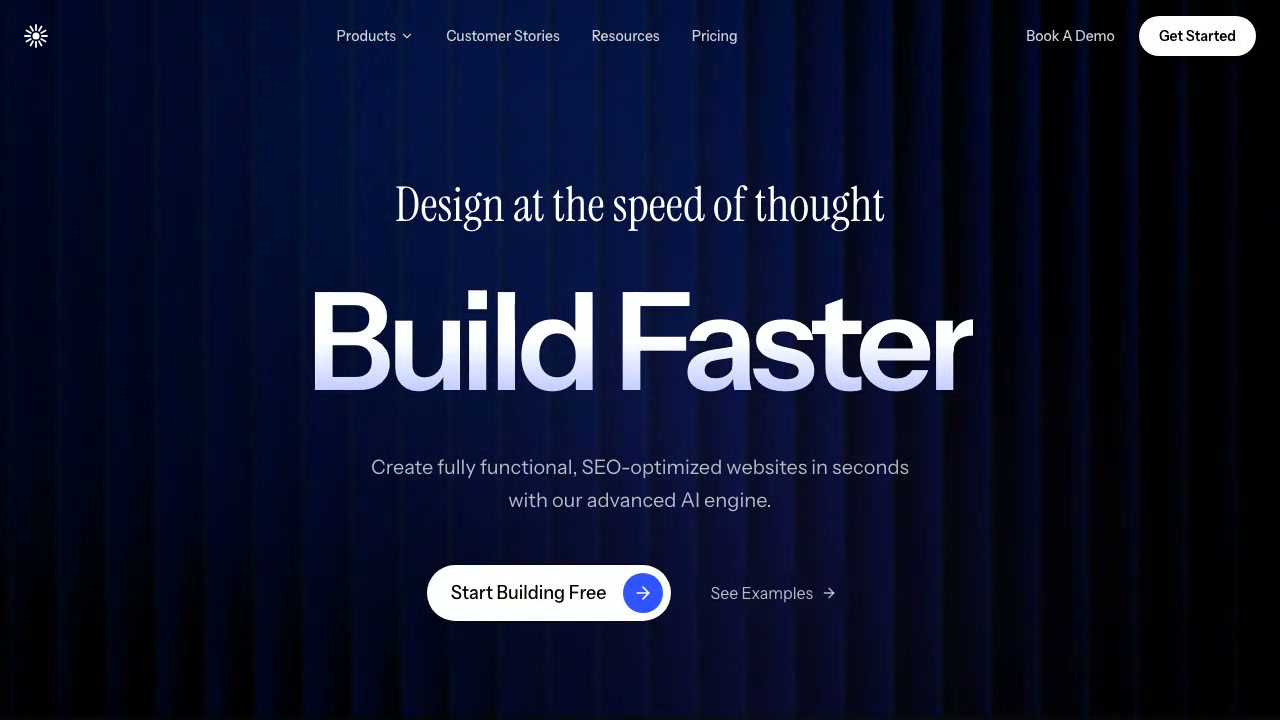
Hero Sections · Claude AI
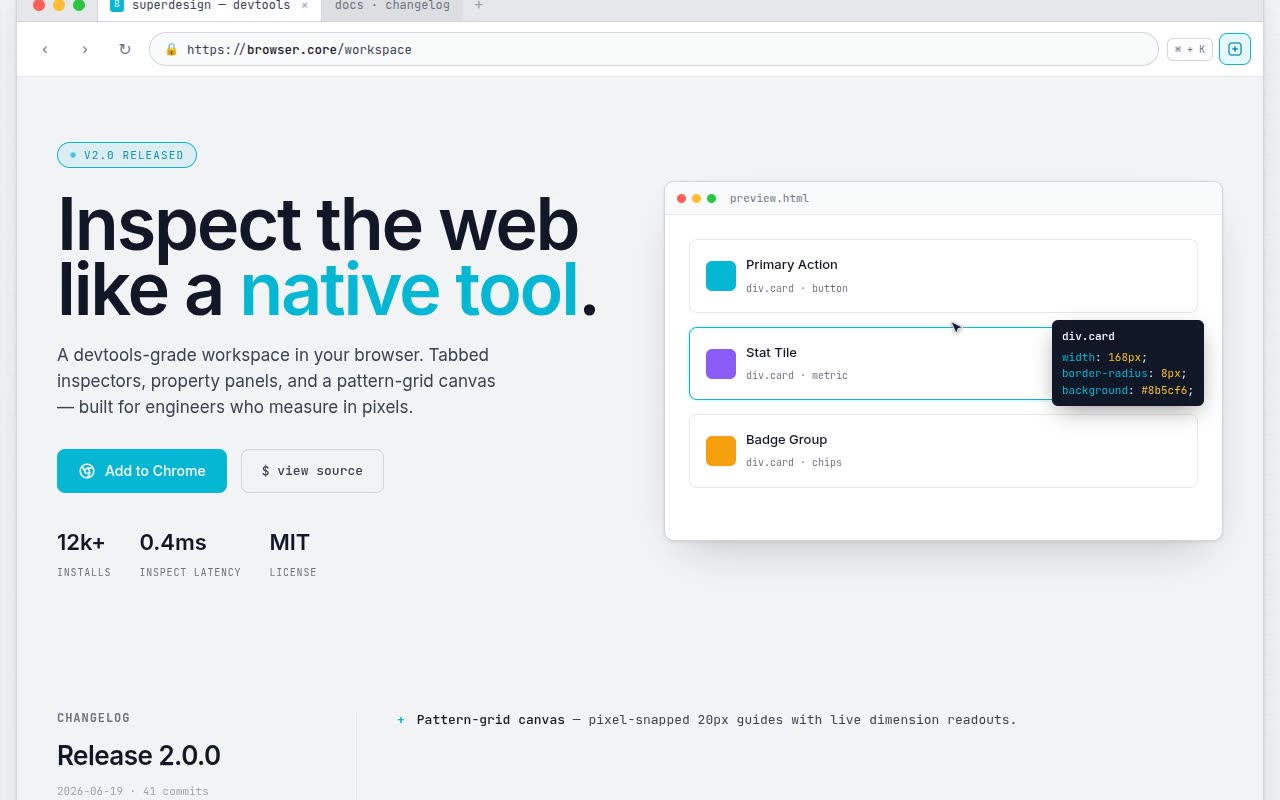
Website Templates · Claude AI
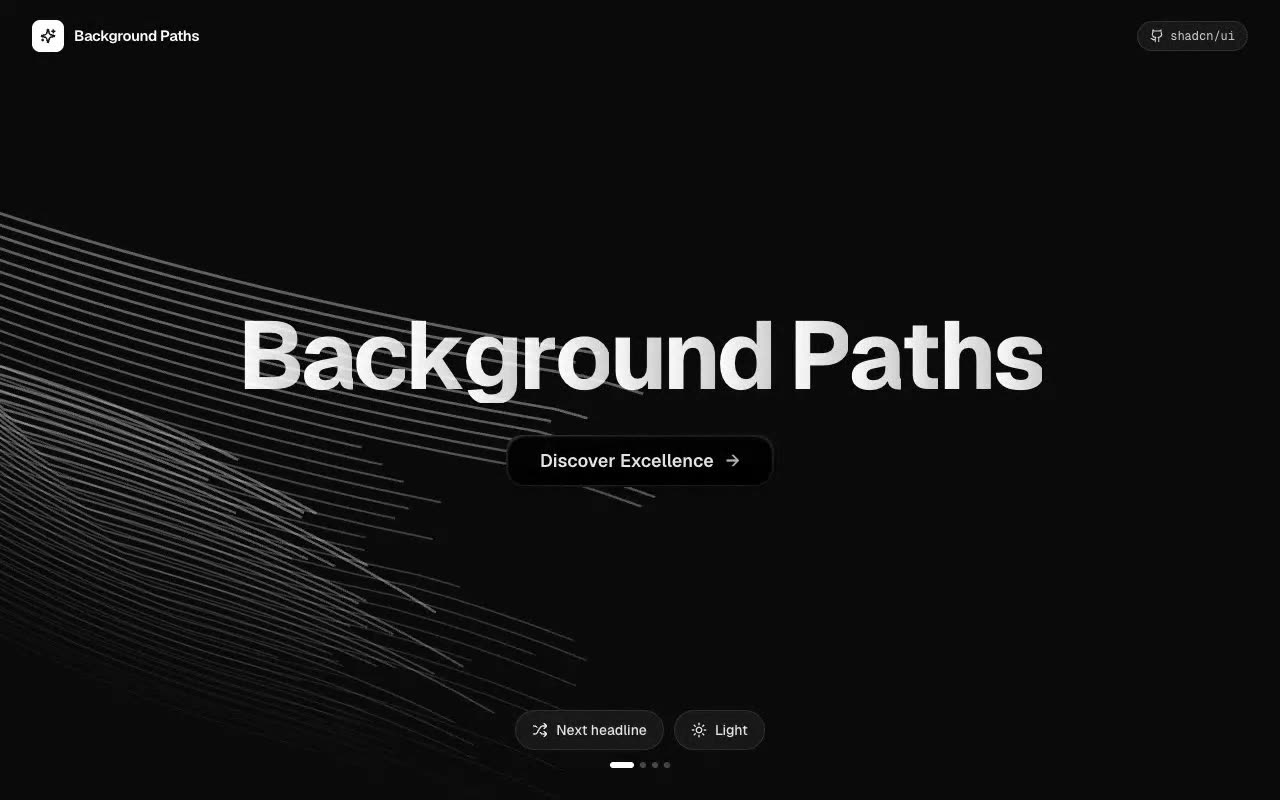
UI Components · Claude AI
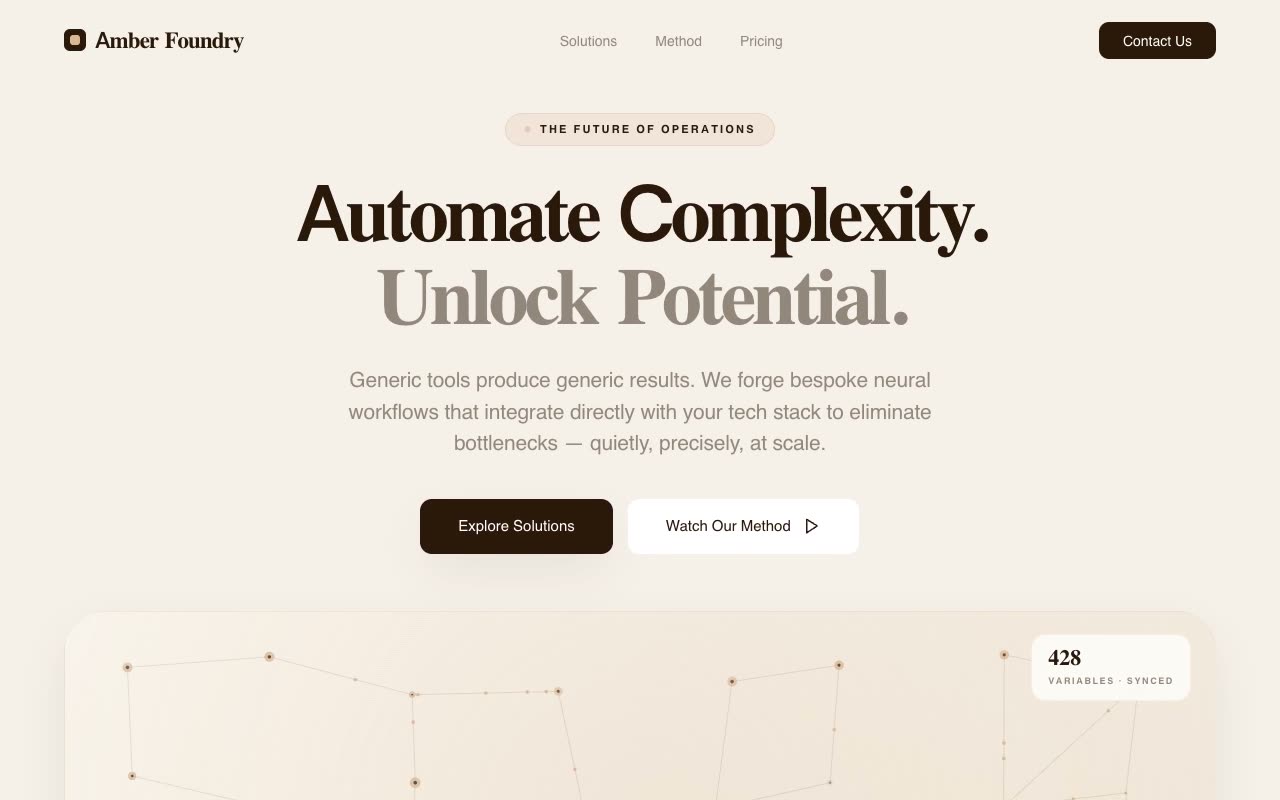
Landing Pages · Claude AI
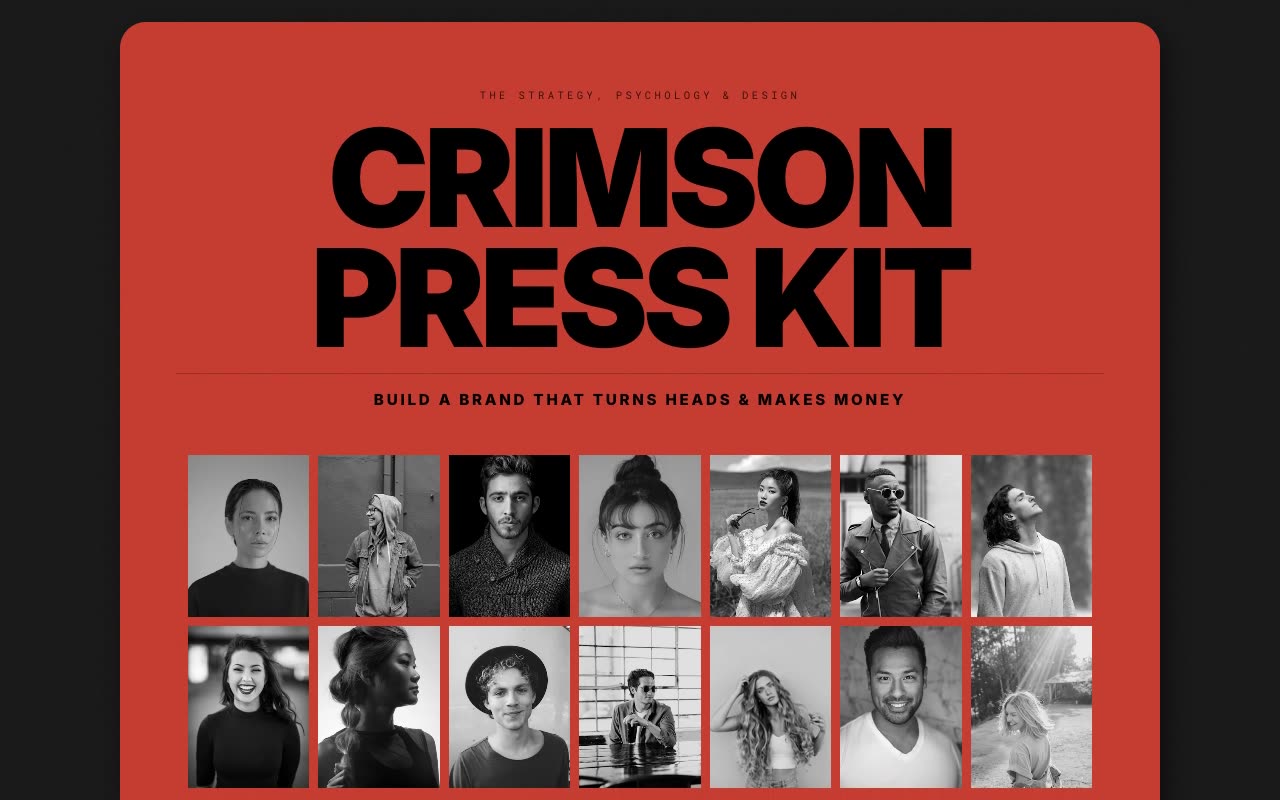
Portfolios · Claude AI
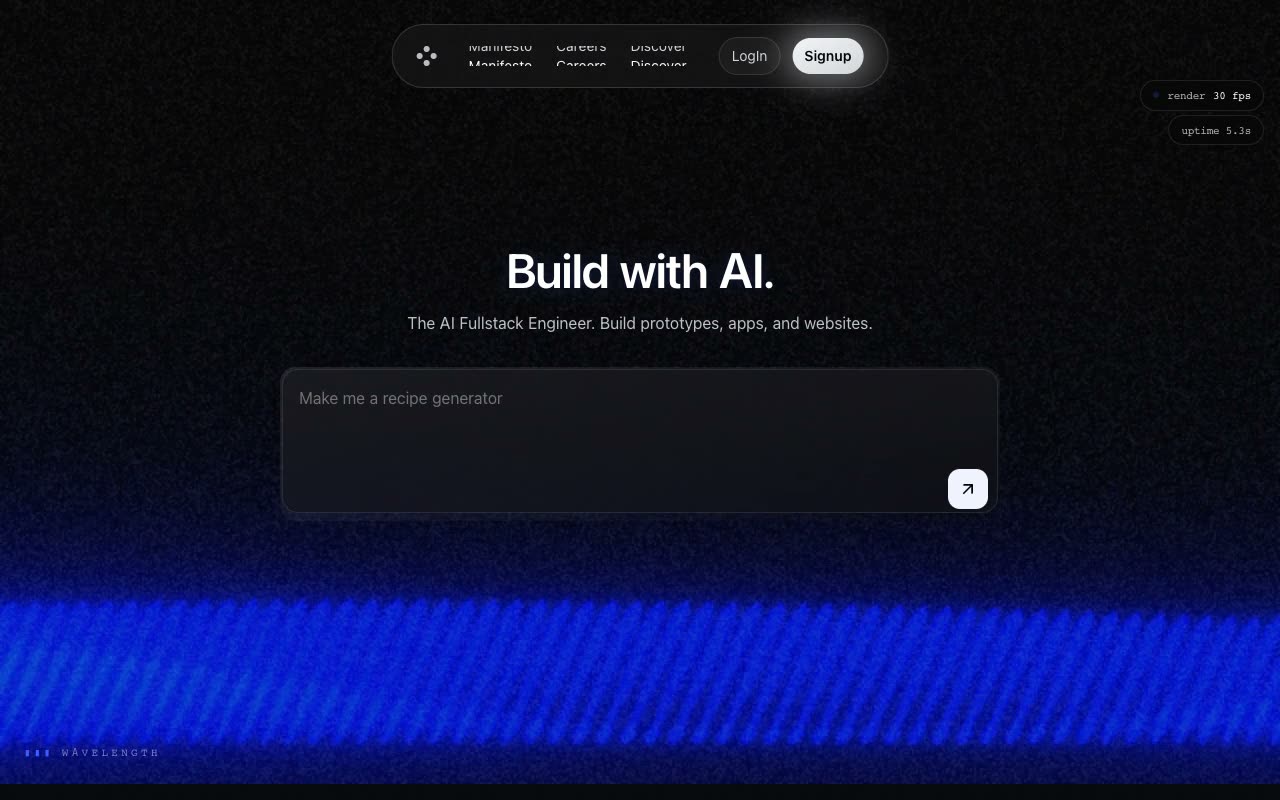
Shaders · Claude AI

Hero Sections · Claude AI
Give Cursor access to the repository and identify the exact route or component that should change.
Add your preferred framework, existing design tokens, real copy and any files that must remain untouched.
Ask the agent to test its work, then inspect the changes before accepting or deploying them.
Yes. They are detailed implementation briefs suited to repository-aware agents, including Cursor Agent.
No. Cursor can apply a visual direction to an existing codebase when you clearly define the target route and preservation constraints.
It can inspect the repository and propose a suitable approach, but you should review new dependencies and require justification for major stack changes.
Review the diff, avoid placing secrets in prompts, validate server-side authorization and run the project’s tests before deployment.