
Build one section at a time
Add a focused visual block to an existing page while keeping the rest of your design system intact.
You do not always need a complete template. Use focused prompts for hero sections, cards, navigation, pricing, motion, shaders and interface components to upgrade one part of a website without replacing the entire product.
Add a focused visual block to an existing page while keeping the rest of your design system intact.
Compare animated heroes, component states, loaders, shaders and interface behaviors before implementation.
Use multiple section prompts to assemble a custom page, then normalize typography, spacing and tokens across the result.
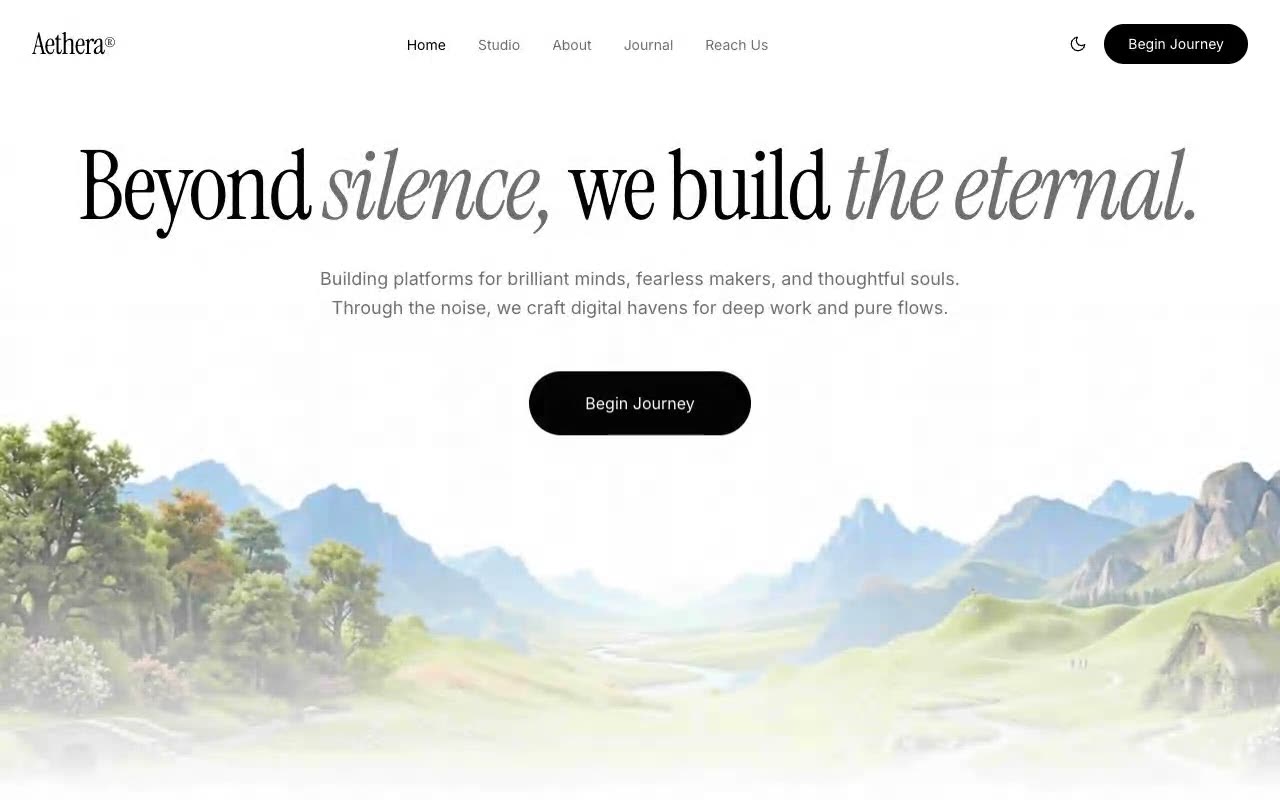
Hero Sections · Claude AI
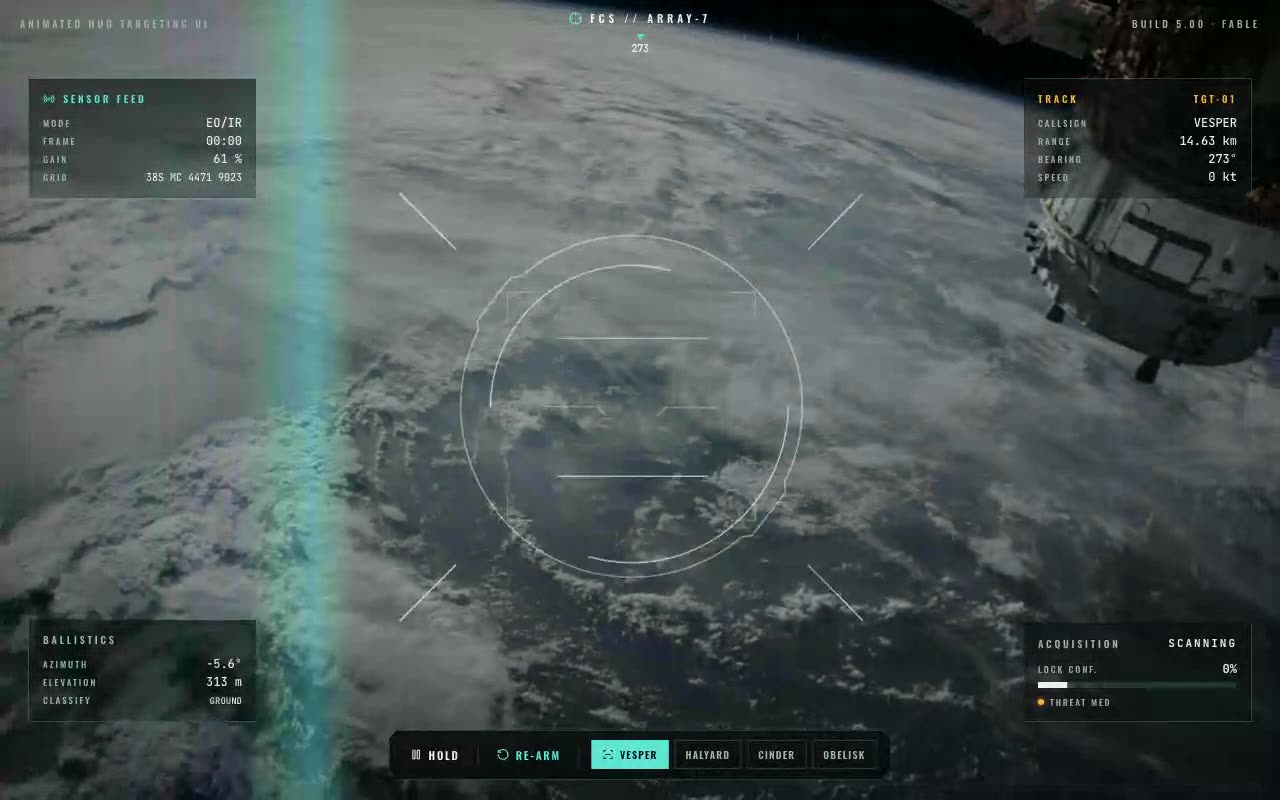
UI Components · Claude AI
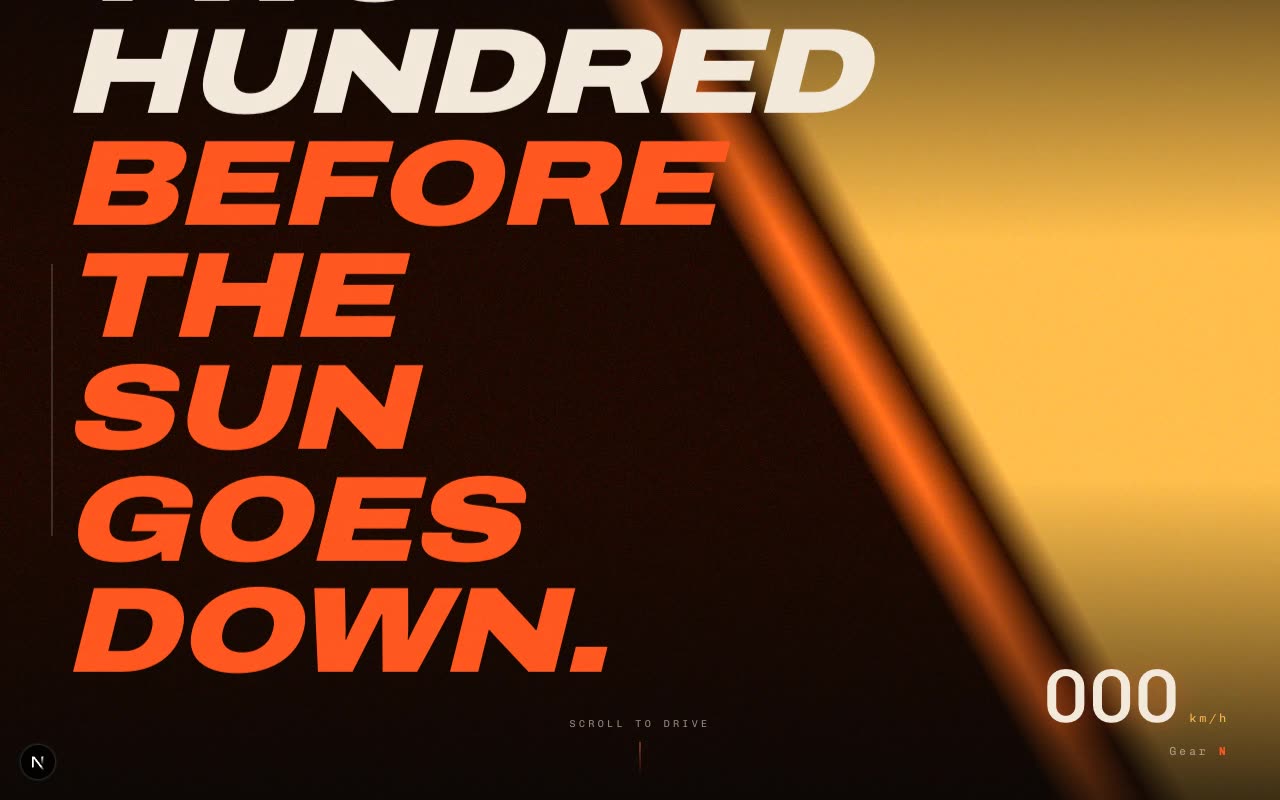
Animations & Loaders · Claude AI
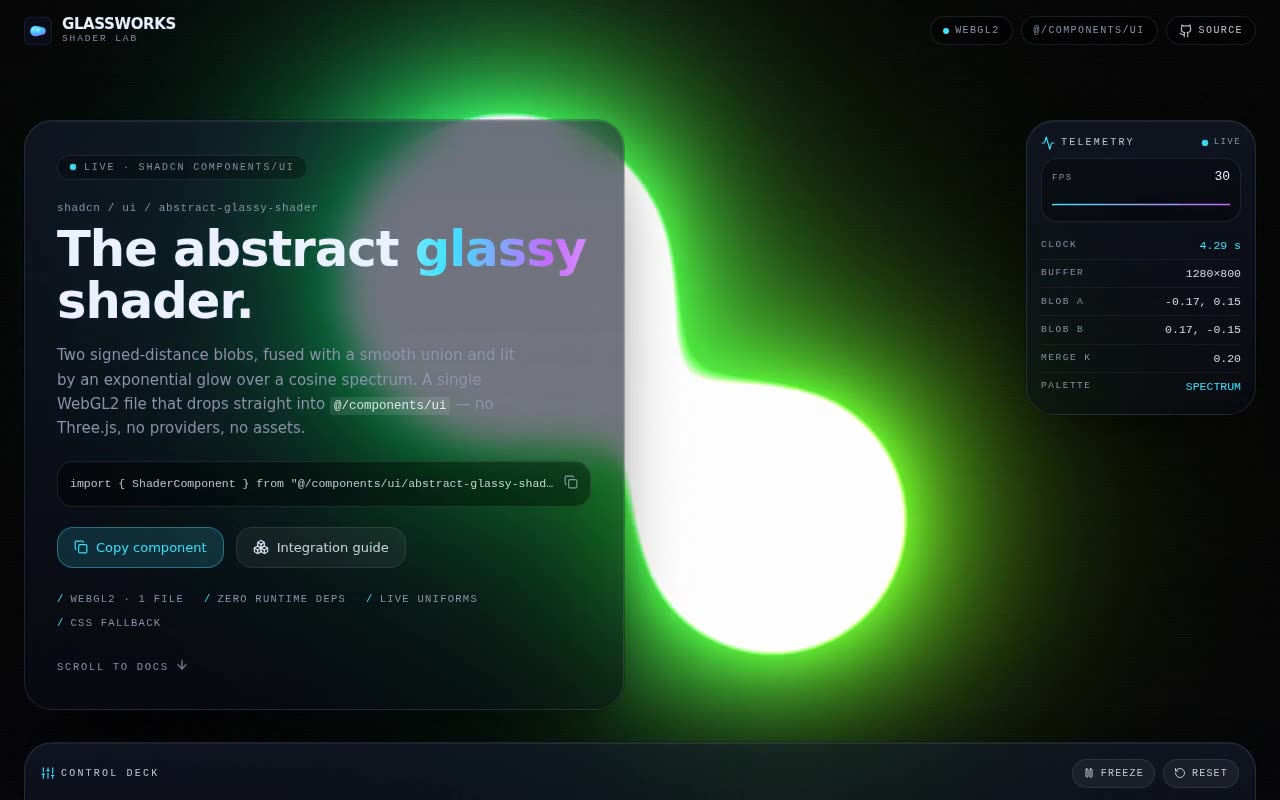
Shaders · Claude AI
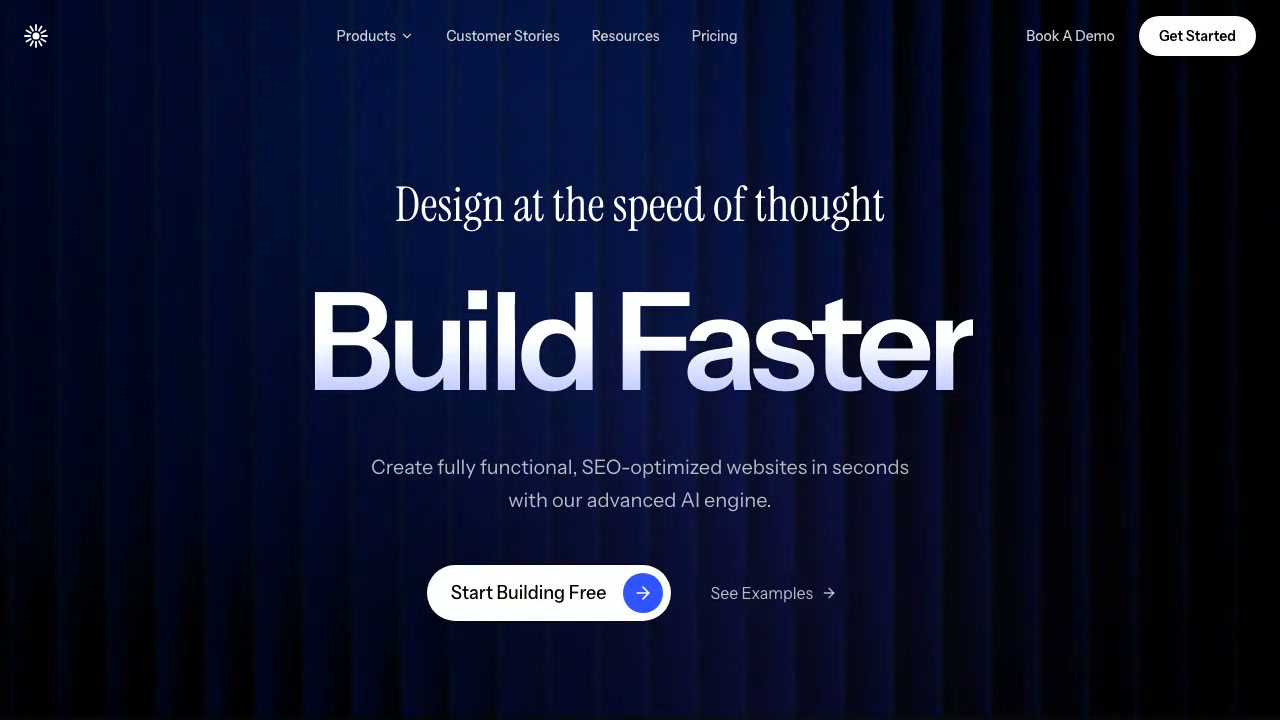
Hero Sections · Claude AI
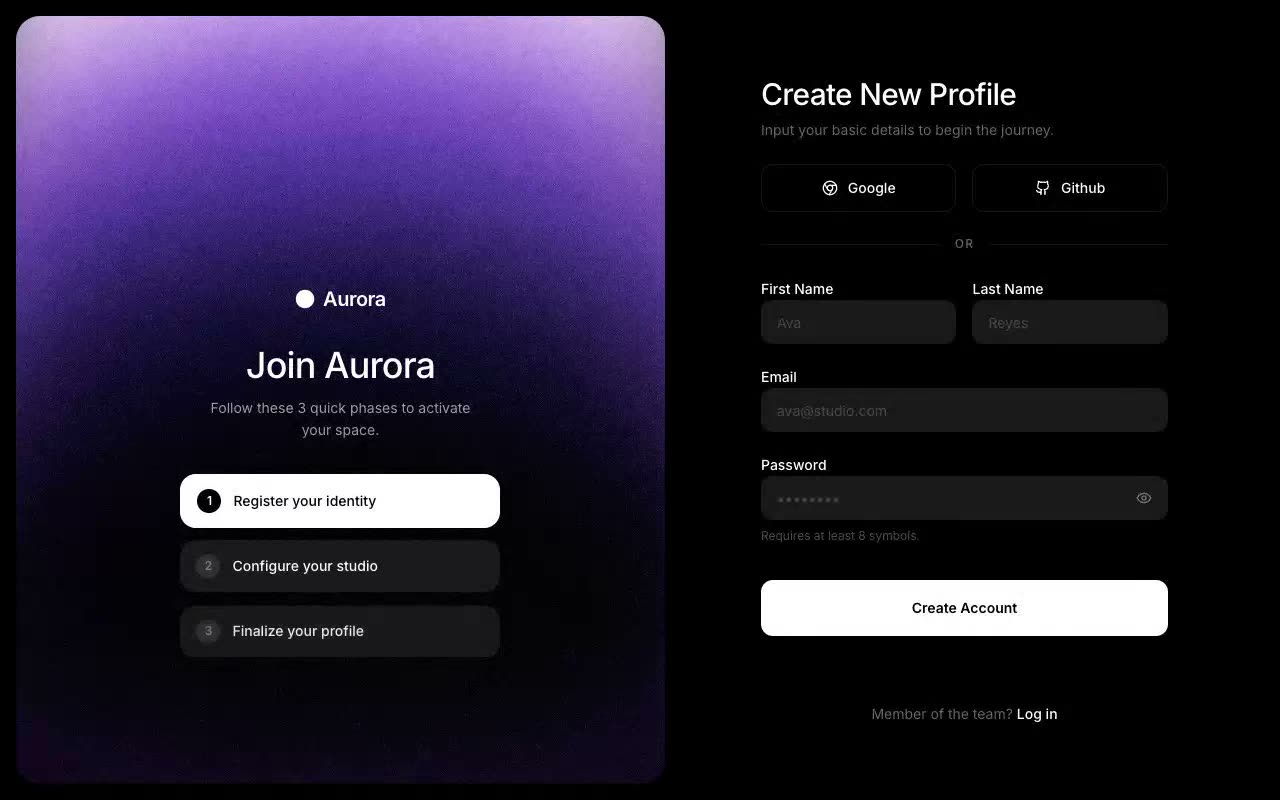
UI Components · Claude AI
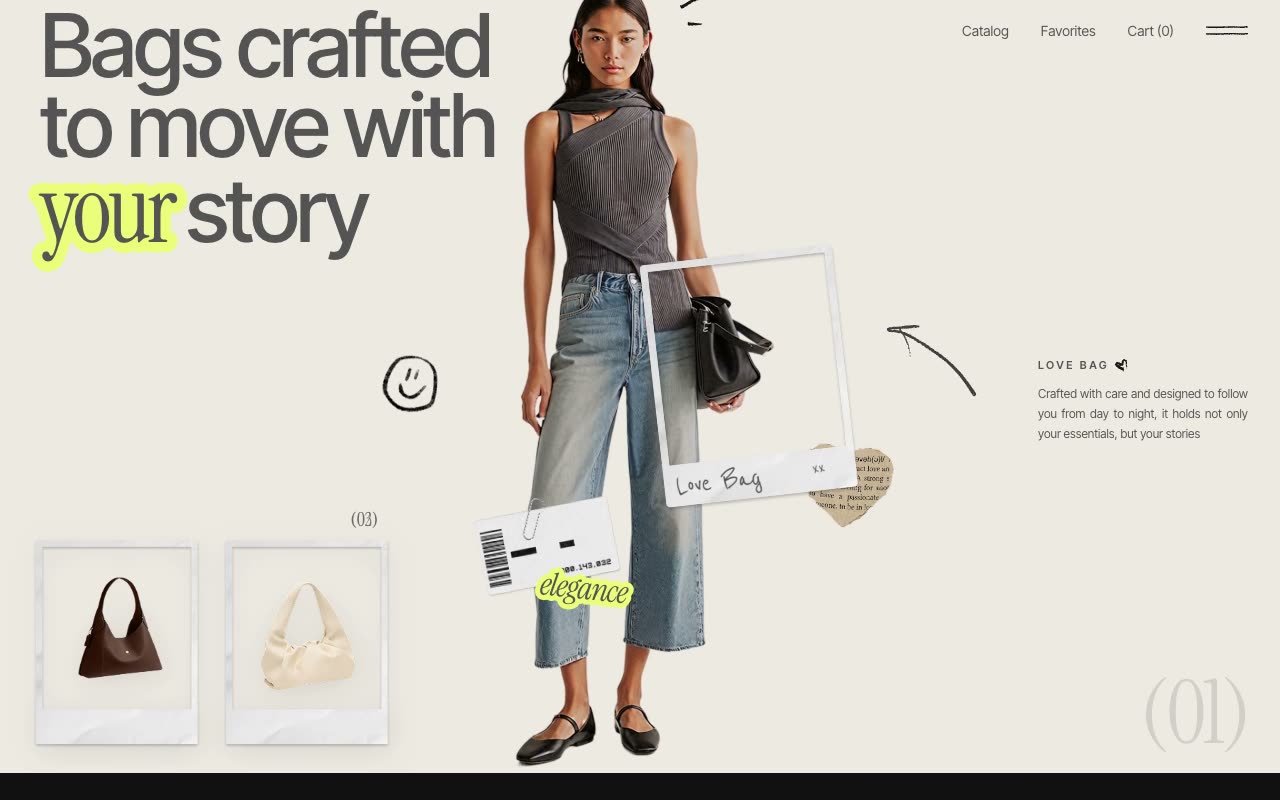
Animations & Loaders · Claude AI

Shaders · Claude AI
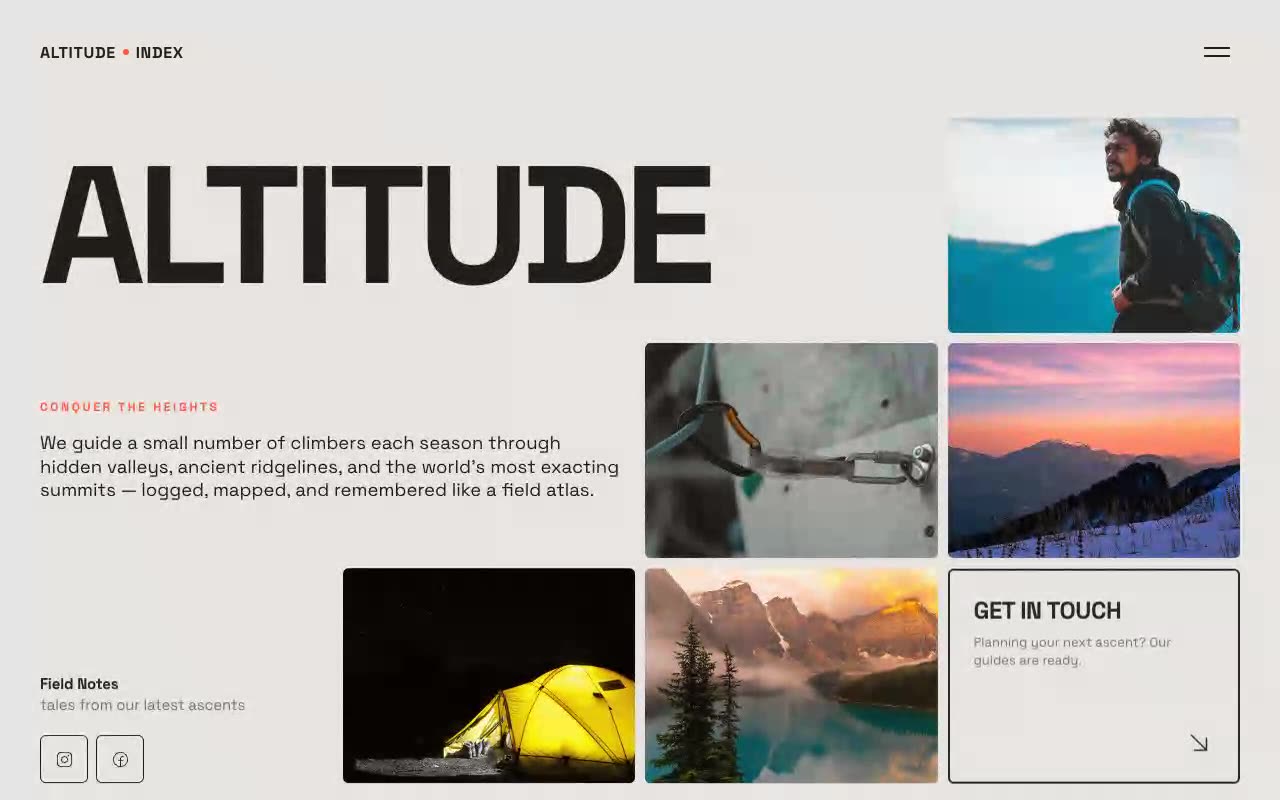
Hero Sections · Claude AI
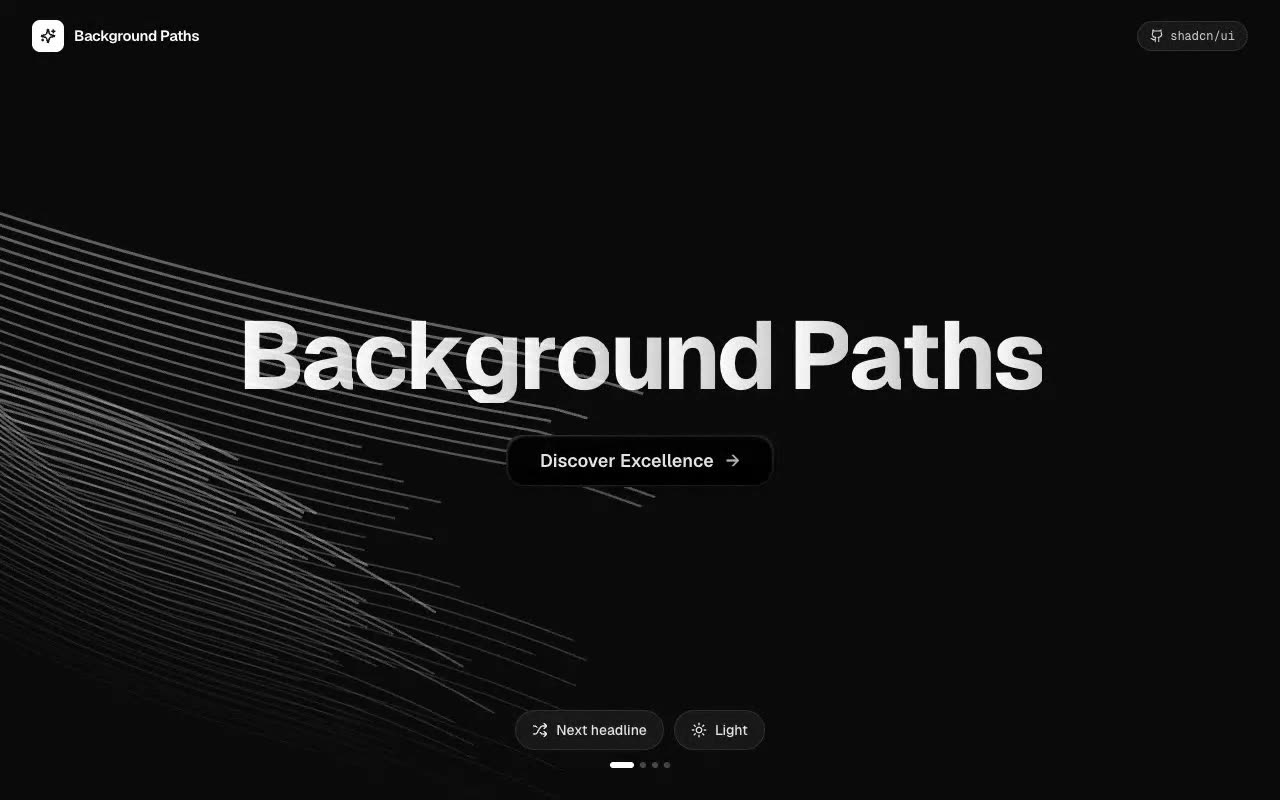
UI Components · Claude AI
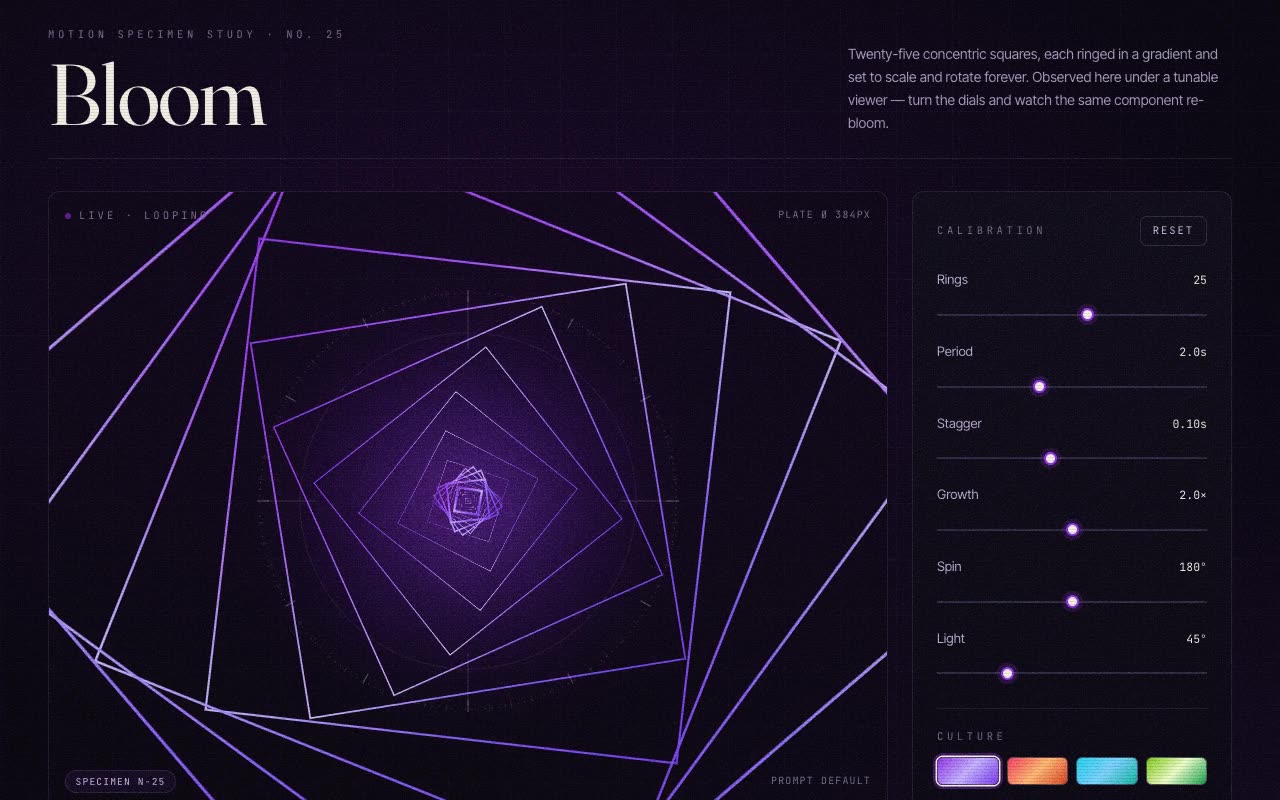
Animations & Loaders · Claude AI
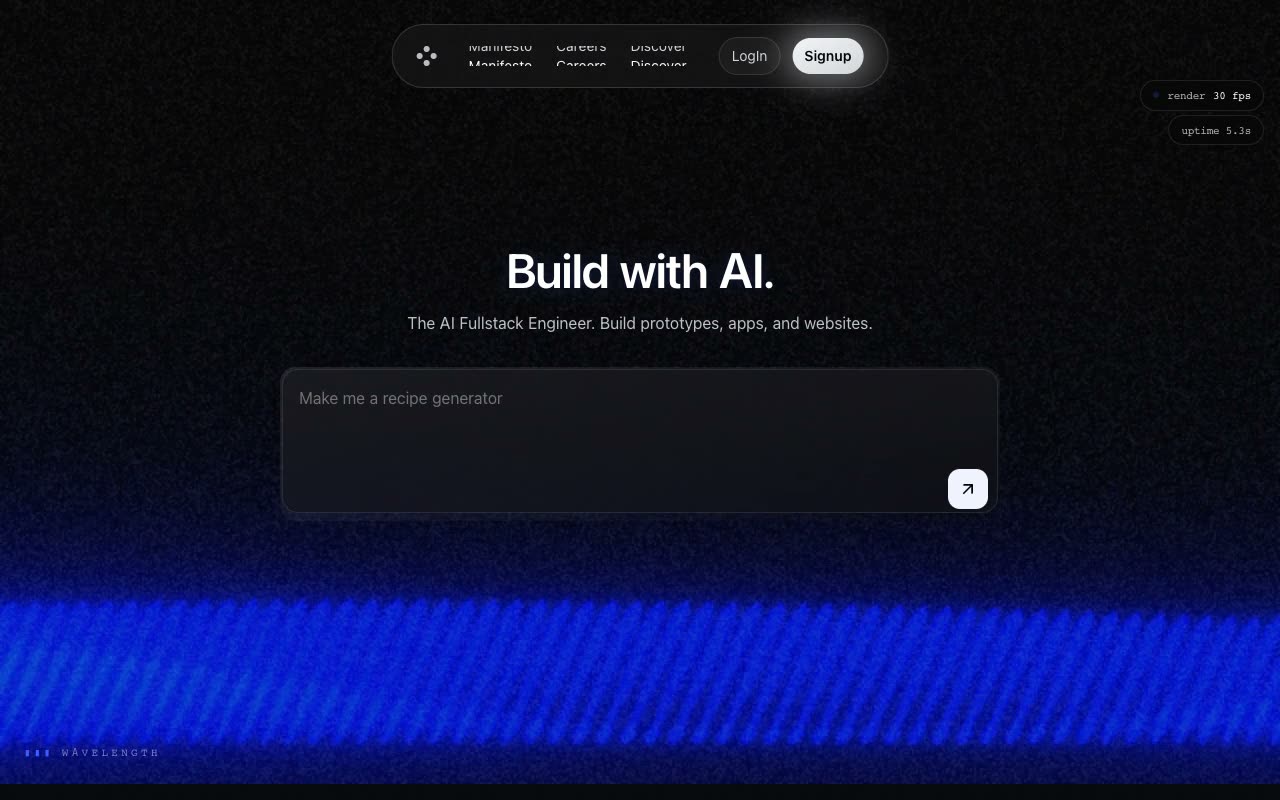
Shaders · Claude AI
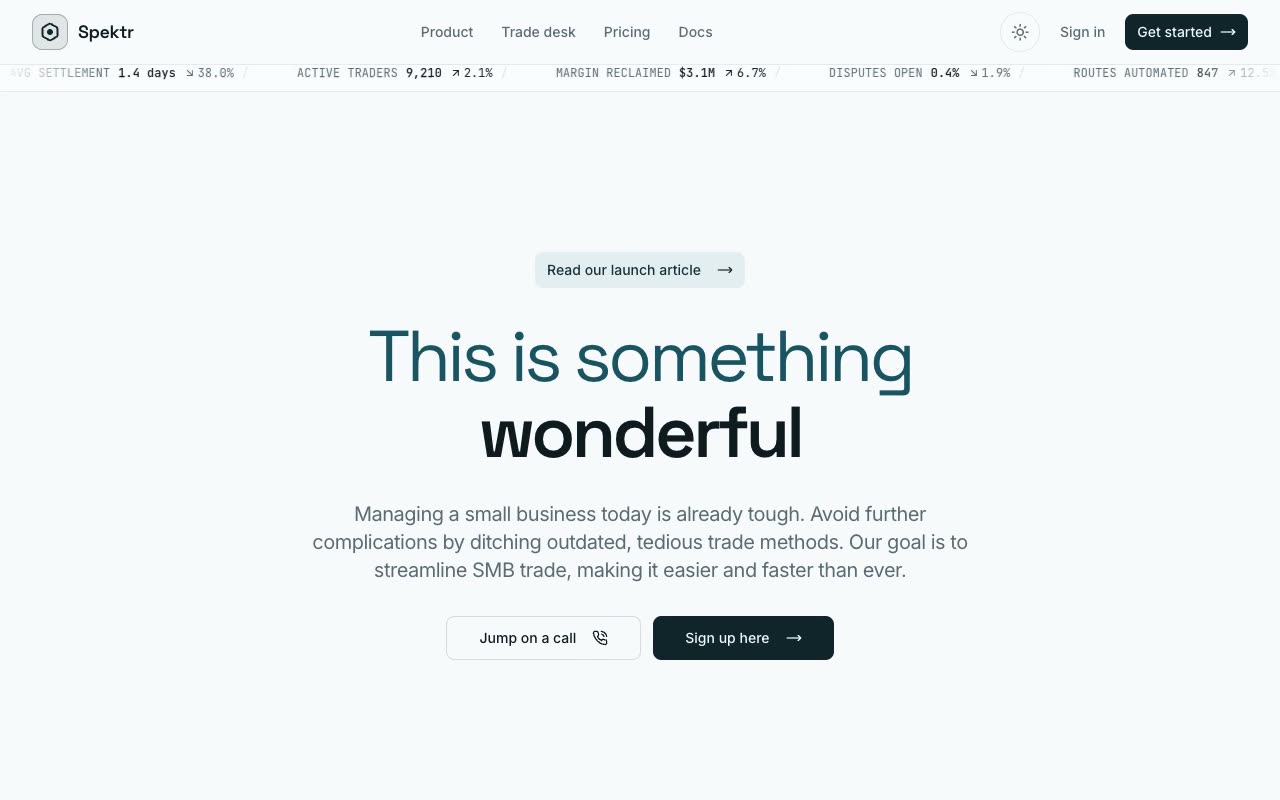
Hero Sections · Claude AI

UI Components · Claude AI
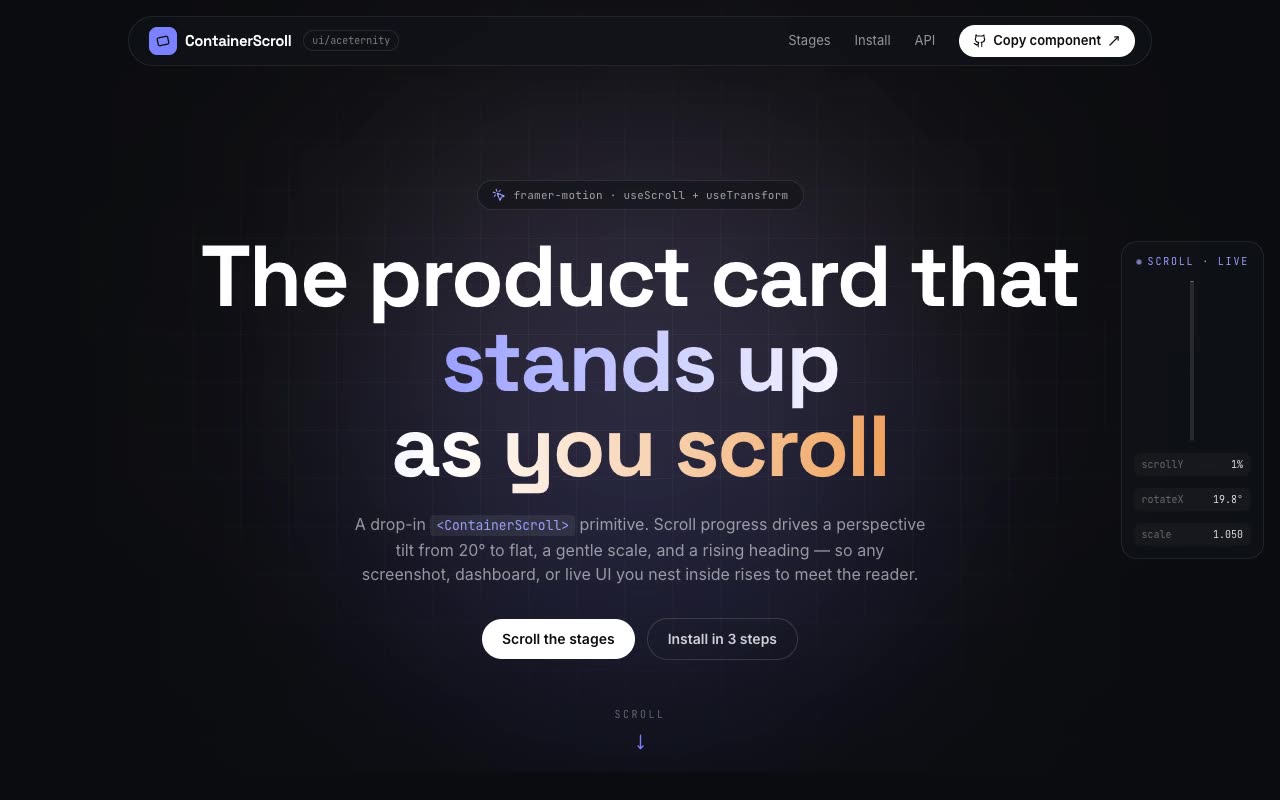
Animations & Loaders · Claude AI

Shaders · Claude AI
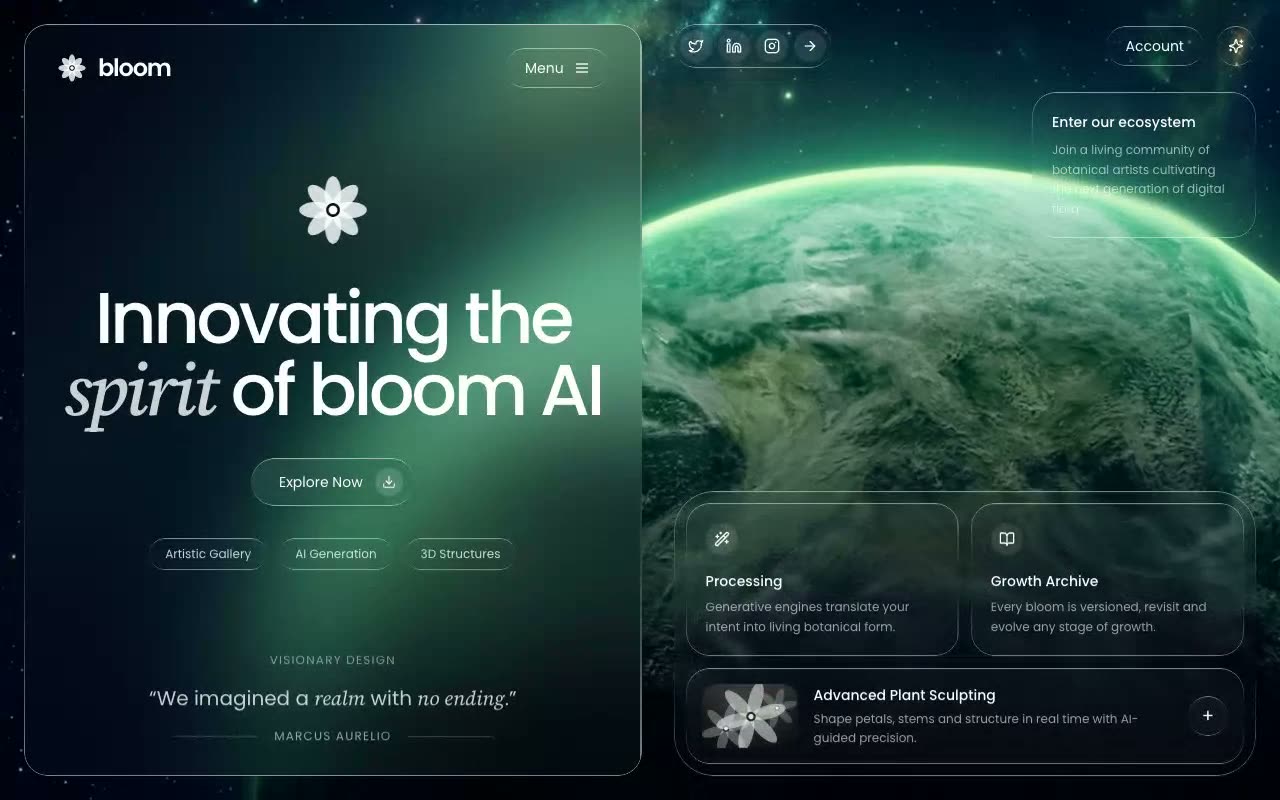
Hero Sections · Claude AI
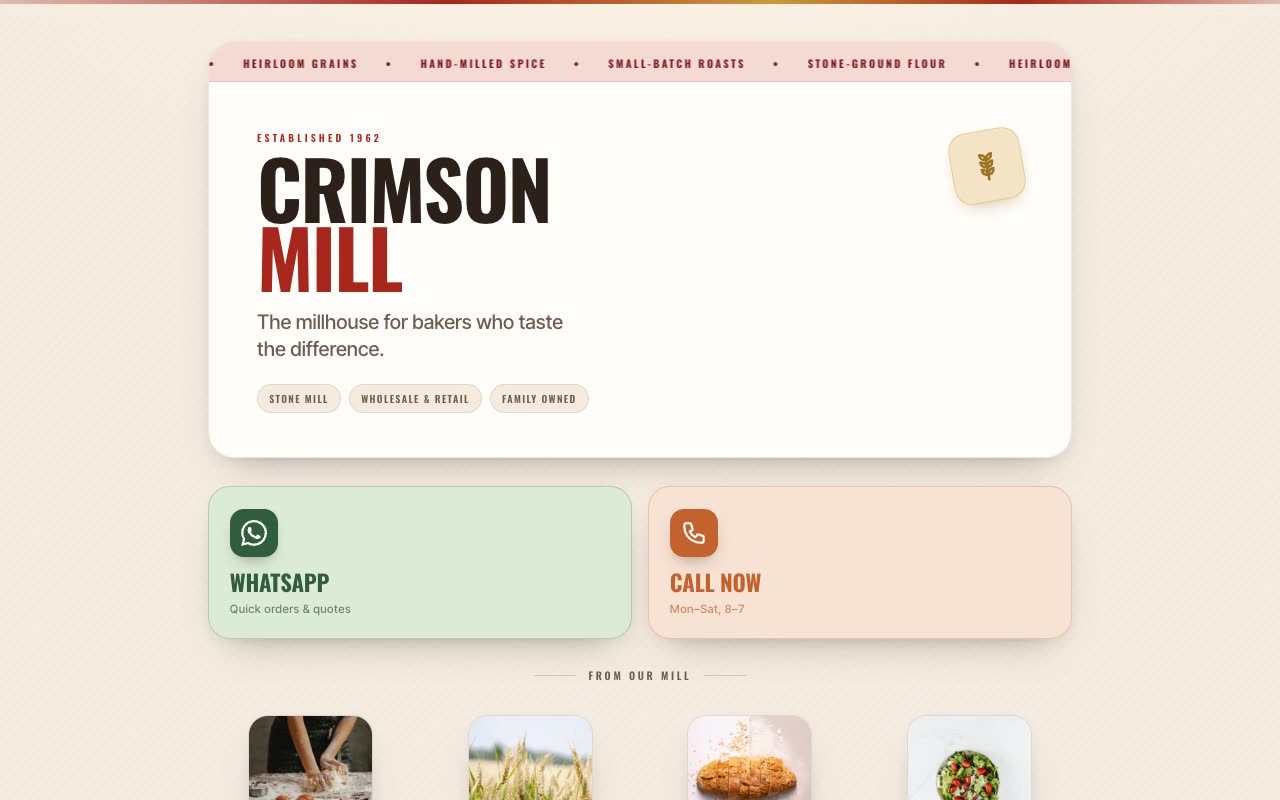
UI Components · Claude AI
Decide whether the page needs a stronger hero, clearer conversion section, richer UI or a motion-led visual moment.
Match the preview to the surrounding layout, density, color system and technical capabilities of your site.
Ask your AI builder to reuse existing components and design tokens, then test the section at every breakpoint.
Yes. Section prompts are useful for adding or replacing a focused part of an existing website.
Tell the AI builder to map colors, type, spacing and radius values to your existing design tokens instead of introducing a second system.
The briefs include responsive intent, but complex animation should still be tested for performance, reduced-motion preferences and touch devices.
Yes. Implement them separately, then ask the tool to unify shared components, tokens and motion conventions.